Foundation just got its first major feature update since launch, and 1.1.0 is a meaningful one. This release adds two new blocks, two new rich text formats, a rebuilt form settings panel, and a completely overhauled license and updater system. Here’s what’s new.
Responsive Grid Block
The headline addition is a new Responsive Grid block with per-breakpoint control over layout mode (grid or flex), column count, alignment, and equal-heights behavior. If you’ve been reaching for a custom CSS workaround every time you needed a responsive grid that actually responds the way you want it to, this block is for you.
Per-breakpoint means exactly that: you set different values at different screen sizes, and Foundation handles the cascade resolution.
Core Image Extend
Foundation now extends WordPress’s native Image block with per-breakpoint controls that let images intentionally break out of their container. You can set an image to overflow its column, stretch beyond the content width, or sit flush, all without touching CSS. Max-width and justification are also controllable per breakpoint.
It’s the kind of editorial layout treatment that used to require a custom block or hardcoded styles. Now it’s a toggle in the block sidebar, and it works on the native Image block you’re already using.
Two New Rich Text Formats
1.1.0 adds two new rich text formats you can apply to inline text anywhere in the editor:
Abbreviation wraps text in a proper <abbr> tag with a title attribute, so you get native browser tooltip behavior and correct semantic markup without a shortcode or custom block.
Gradient Text applies a gradient to inline text using your theme’s gradient presets defined in theme.json. If your theme ships with gradients, they’ll show up as options automatically. No extra configuration, no stylesheet edits.
Both formats show up in the rich text toolbar wherever WordPress’s inline formatting controls appear.
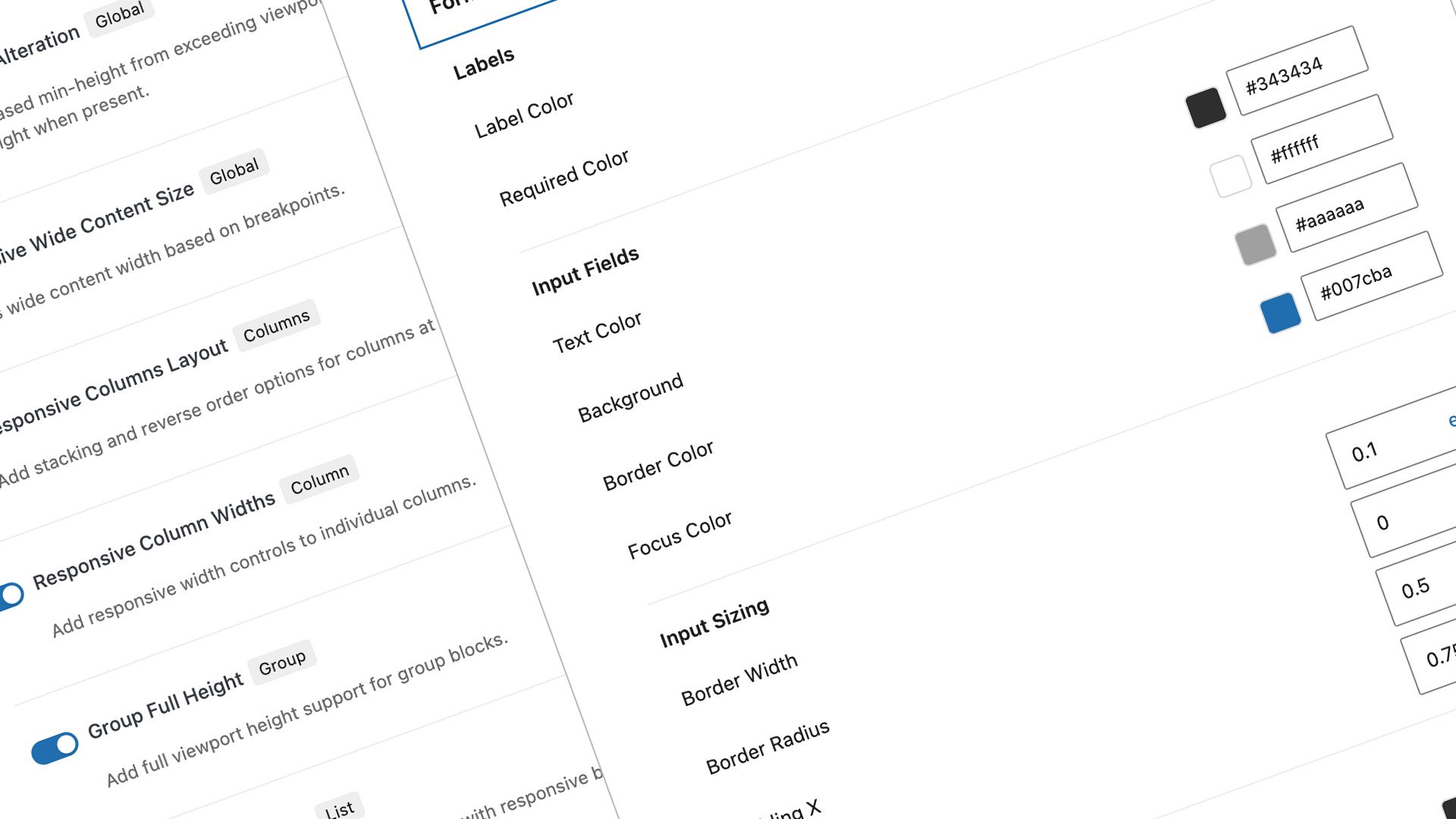
Rebuilt Form Base Settings Panel
The form settings panel has been rebuilt with expanded controls. If you use Foundation’s global form styling system, you’ll find a lot more to work with. This was a necessary catch-up to where the rest of Foundation’s settings architecture had already landed.
Under the Hood
A few architectural changes worth noting if you’re building on top of Foundation:
- Plugin entry points have been refactored to a central
index.js/main.jspattern, which improves load performance and makes the internal structure easier to reason about. - Webpack now auto-discovers support entry points, removing a manual step that was easy to miss when adding new modules.
- The
responsive-content-sizesupport module has been removed. If you were depending on it directly, this is the one breaking change in this release. - The admin settings page has been redesigned to match the updated architecture.
Foundation is a free plugin.