Cards & Sections

Cards & Sections
Your layout shouldn’t take all day.
Feature your content. Build CTAs fast.
Cards, sections, and media layouts built for Full Site Editing.
No shortcodes, no page builders, just modular blocks.
You need a hero section with background video. A card grid with hover reveals. A split layout with media on one side and content on the other. Building these from scratch means wiring up dozens of options — media handling, positioning, responsive behavior, animations, hover states, overlay controls. It takes time.
Cards & Sections packs all of that into blocks that just make sense. Background images or videos with overlay controls. Hover layers that swap media on interaction. Scroll-triggered animations. Content positioning with a 9-point grid. Responsive stacking with custom breakpoints. Width ratios you can actually control. All exposed in the editor, all working together.
These aren’t simple layout blocks with a few options. They’re presentation blocks built for visual impact — with the controls you’d expect from a page builder, but native to WordPress.
Built on WordPress standards
Modular presentation blocks built for visual impact.
Uses @wordpress/interactivity for interactions and GSAP for scroll animations. Real blocks with real controls — not shortcodes, not page builder modules.
Built with accessibility in mind.
Animations, video, and interactive layers designed to respect how people use the web.
Cards & Sections is built to respond to system-level accessibility preferences. Reduced motion suppresses animations and video autoplay across all blocks — videos won’t play automatically for users who’ve asked them not to. Reduced transparency adjusts overlays accordingly. Interactive layers respond to keyboard focus, not just hover. Decorative backgrounds are marked presentational so screen readers can skip them.
10 Blocks. Complete Control.
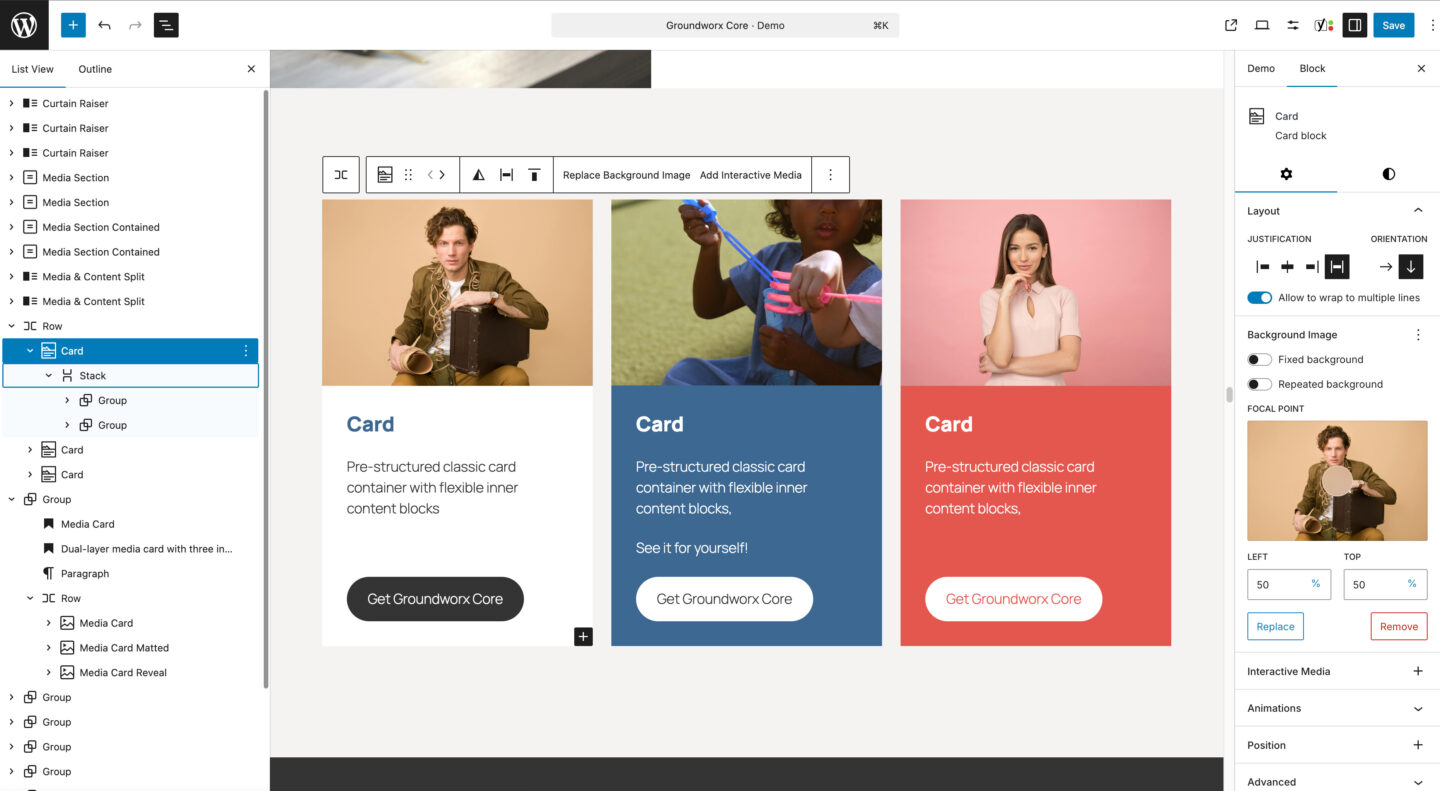
Card
A classic card block with a background image and optional interactive hover layer (image or video). The flexible content area below accepts any blocks you choose—headings, text, buttons, and more.
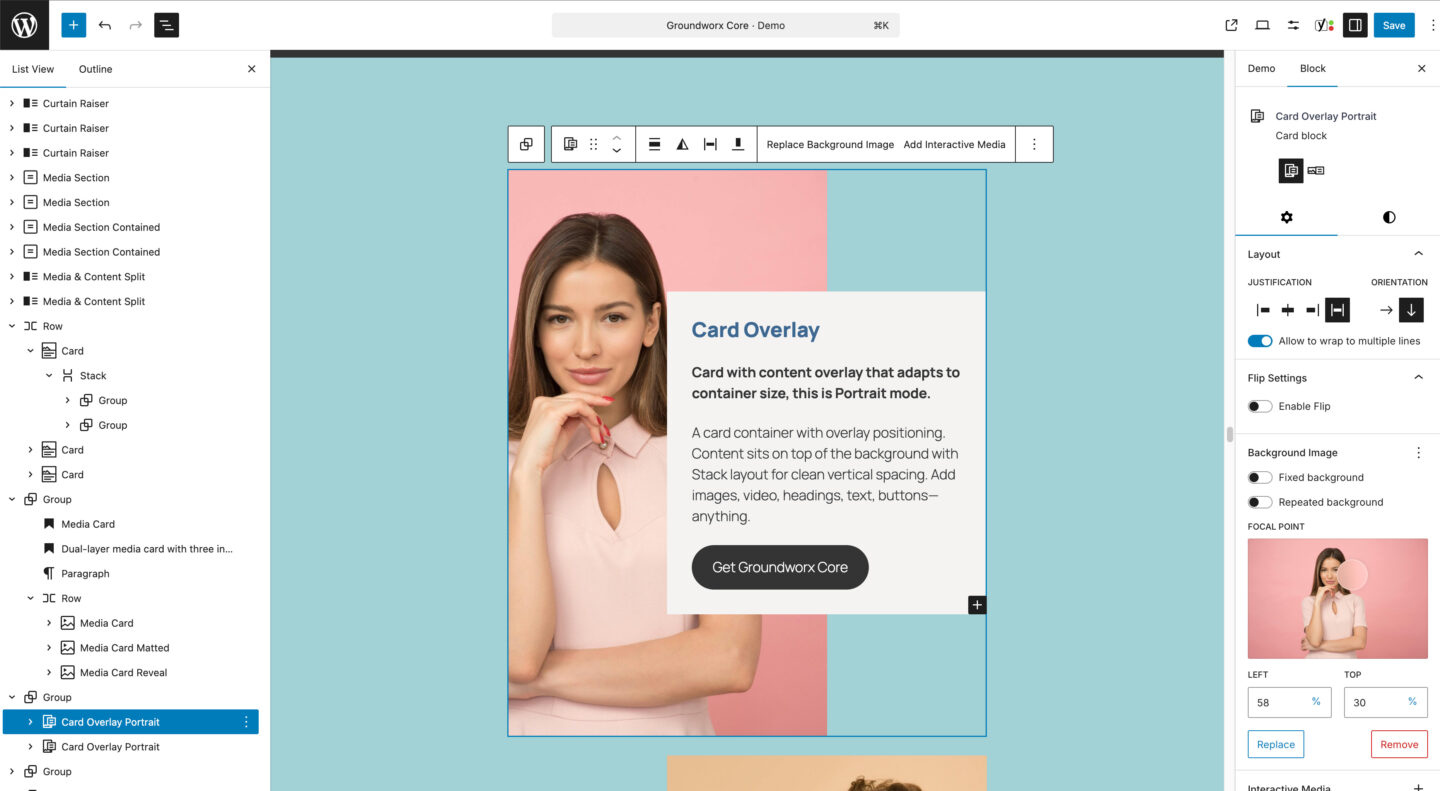
Card Overlay
A card block with a content panel that overlays the background image. Available in portrait and landscape layouts, with a flexible content area for any blocks you need. Supports a background image and optional interactive hover layer (image or video).
Card Reveal
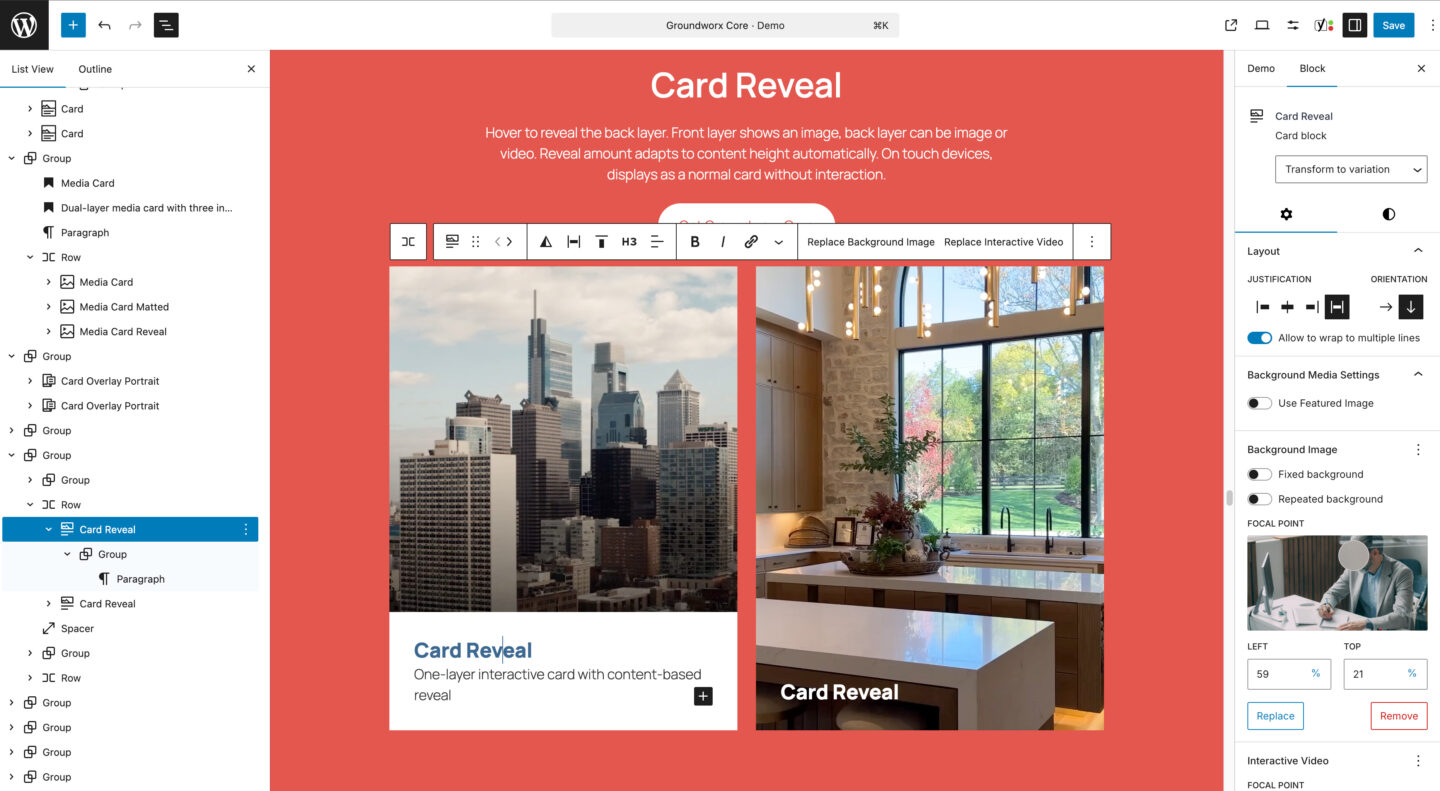
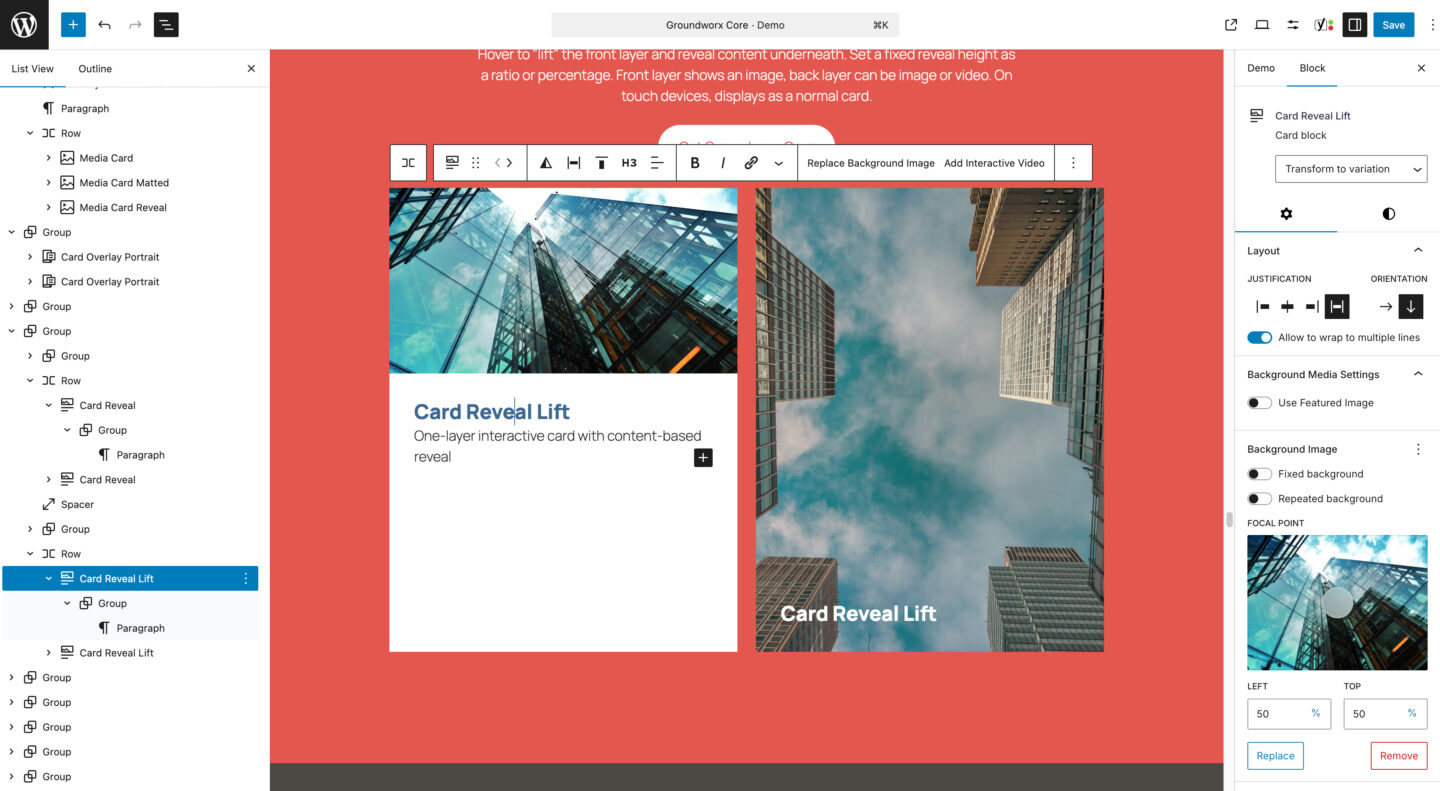
An interactive card block that displays a title over the background image, then reveals additional content on hover. Supports a background image and optional video hover layer. Available in two layouts: default and lift. Supports reduced motion.
Curtain Raiser
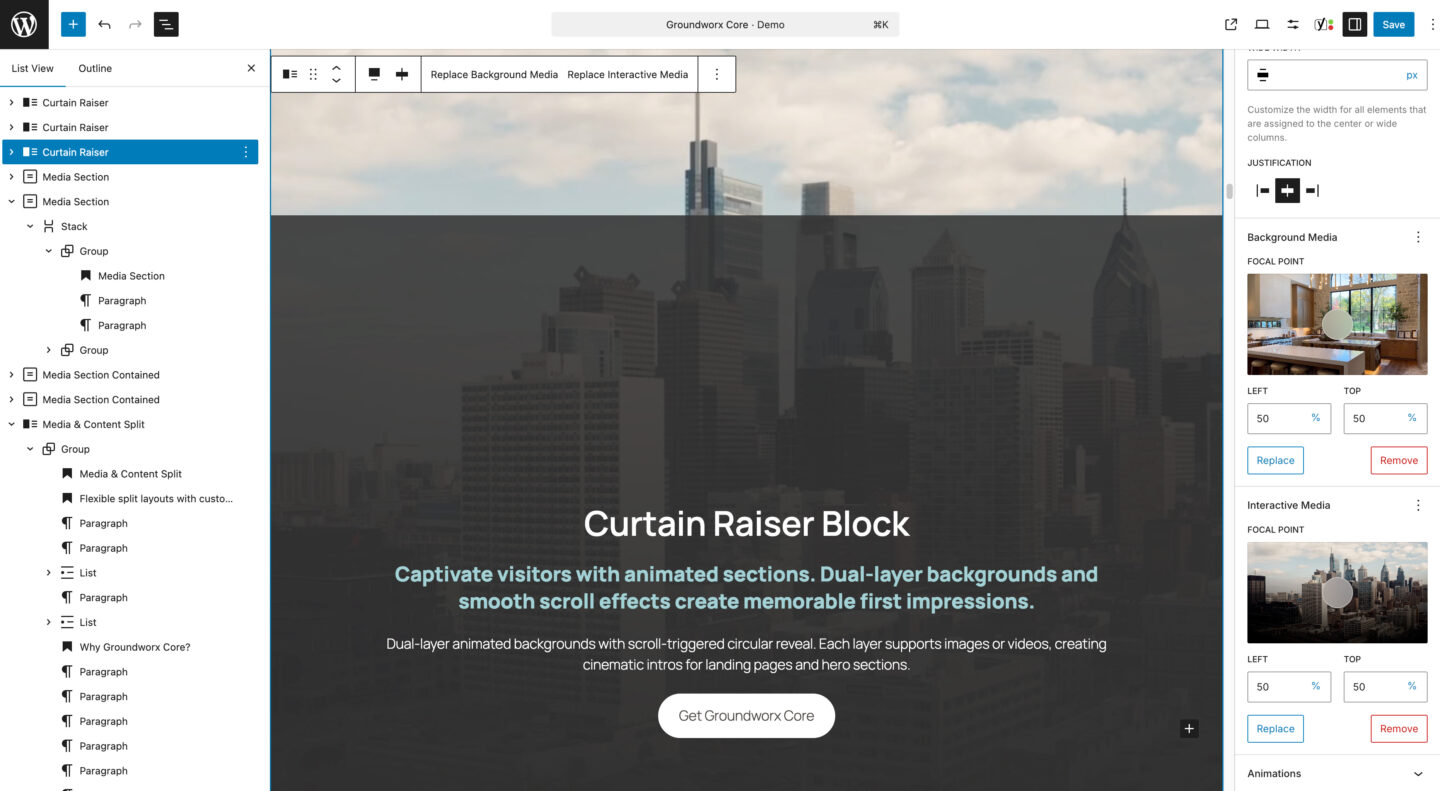
A full-height section block with dual media layers and scroll-triggered animation. The first layer stays static while the second reveals through a growing circle effect. Content scrolls up and locks into place.
Both layers support images or videos, with a built-in playback button for video, with automatic contrast detection to keep controls visible against any background. Supports reduced motion and reduced transparency.
Media Card
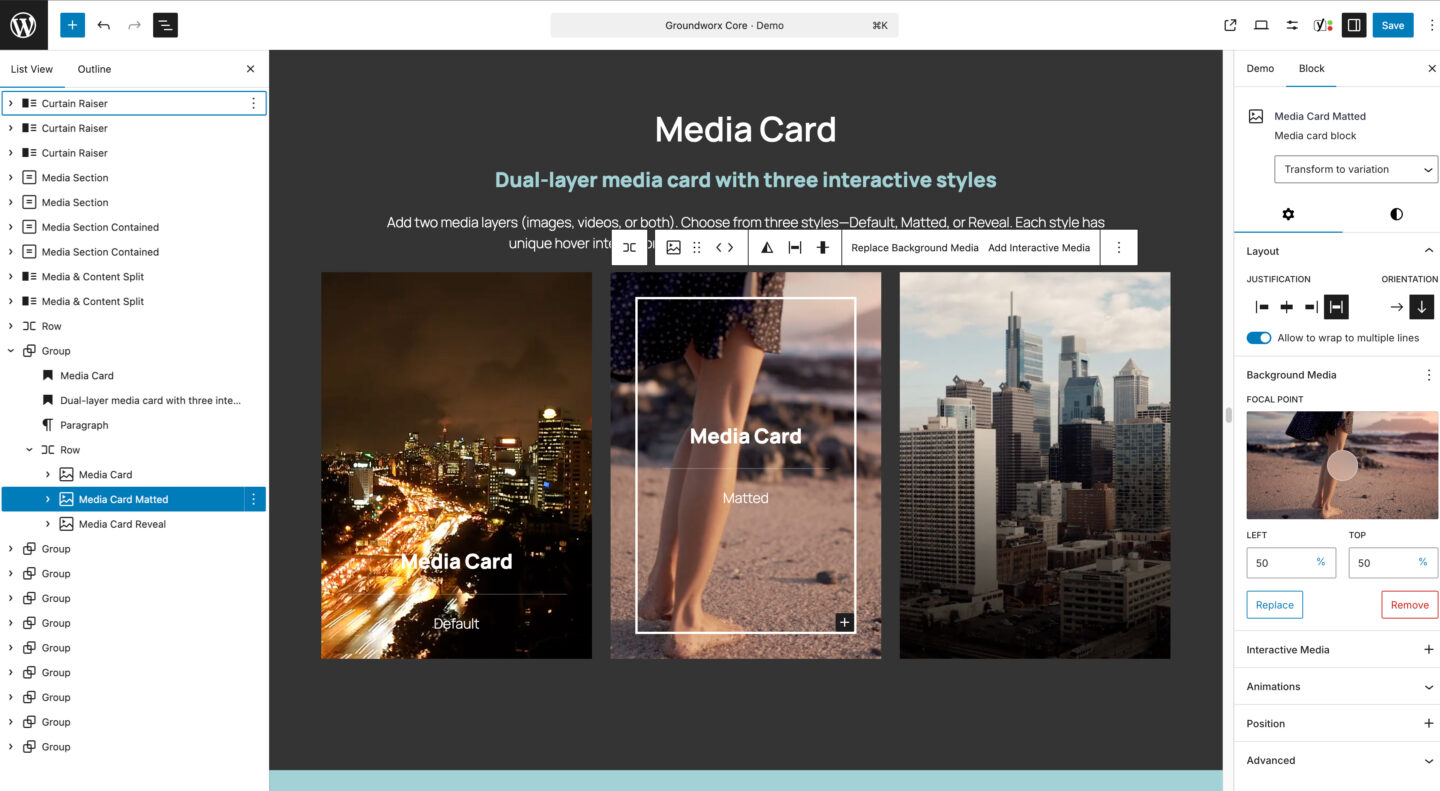
A dual-layer media block with content that overlaps the background. Supports background image or video, plus an interactive hover layer. Available in three styles: default (content visible), matted (framed border with zoom effect), and reveal (content appears on hover).
Video backgrounds include a built-in playback button and settings for autoplay, loop, muted, and play inline. Supports reduced motion.
Media Content Split
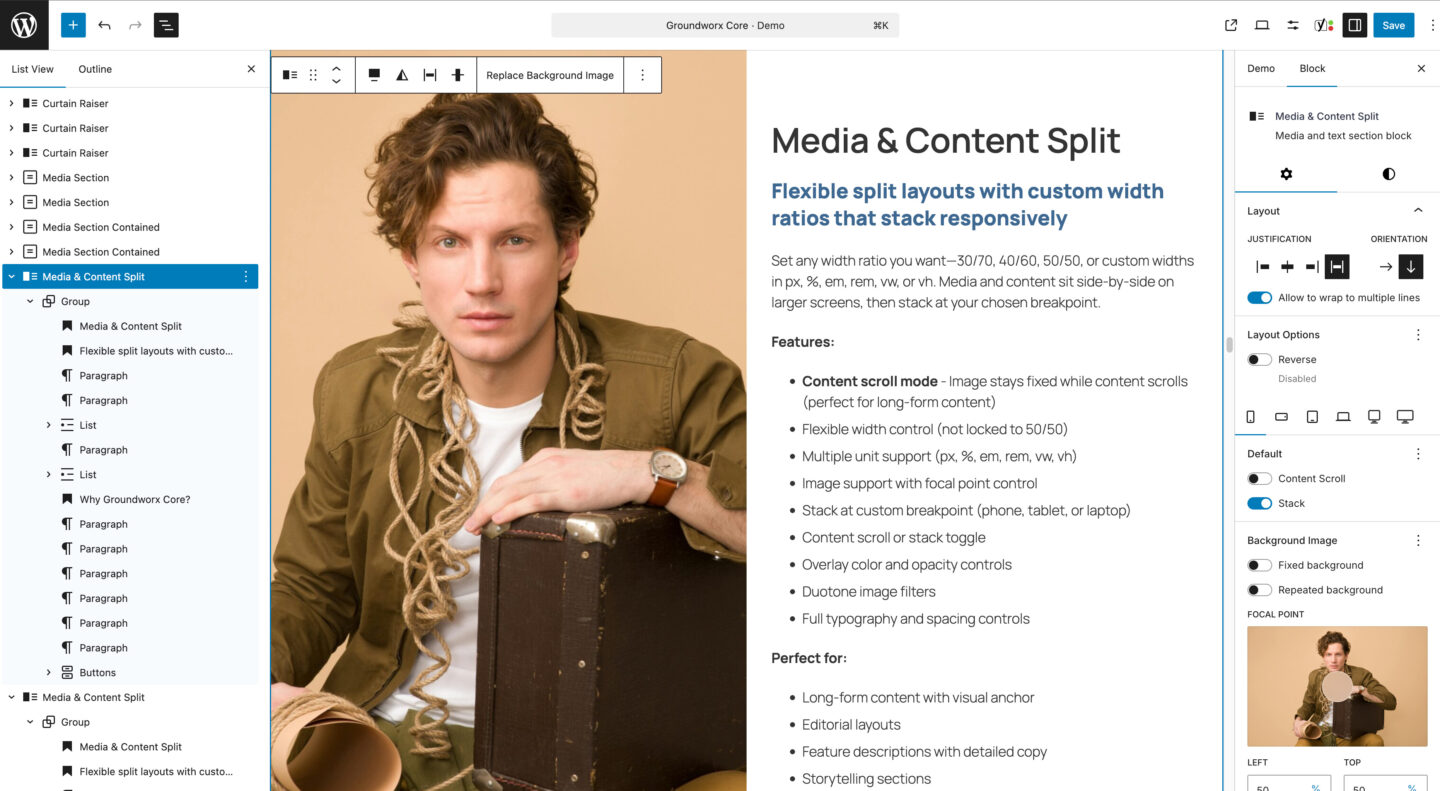
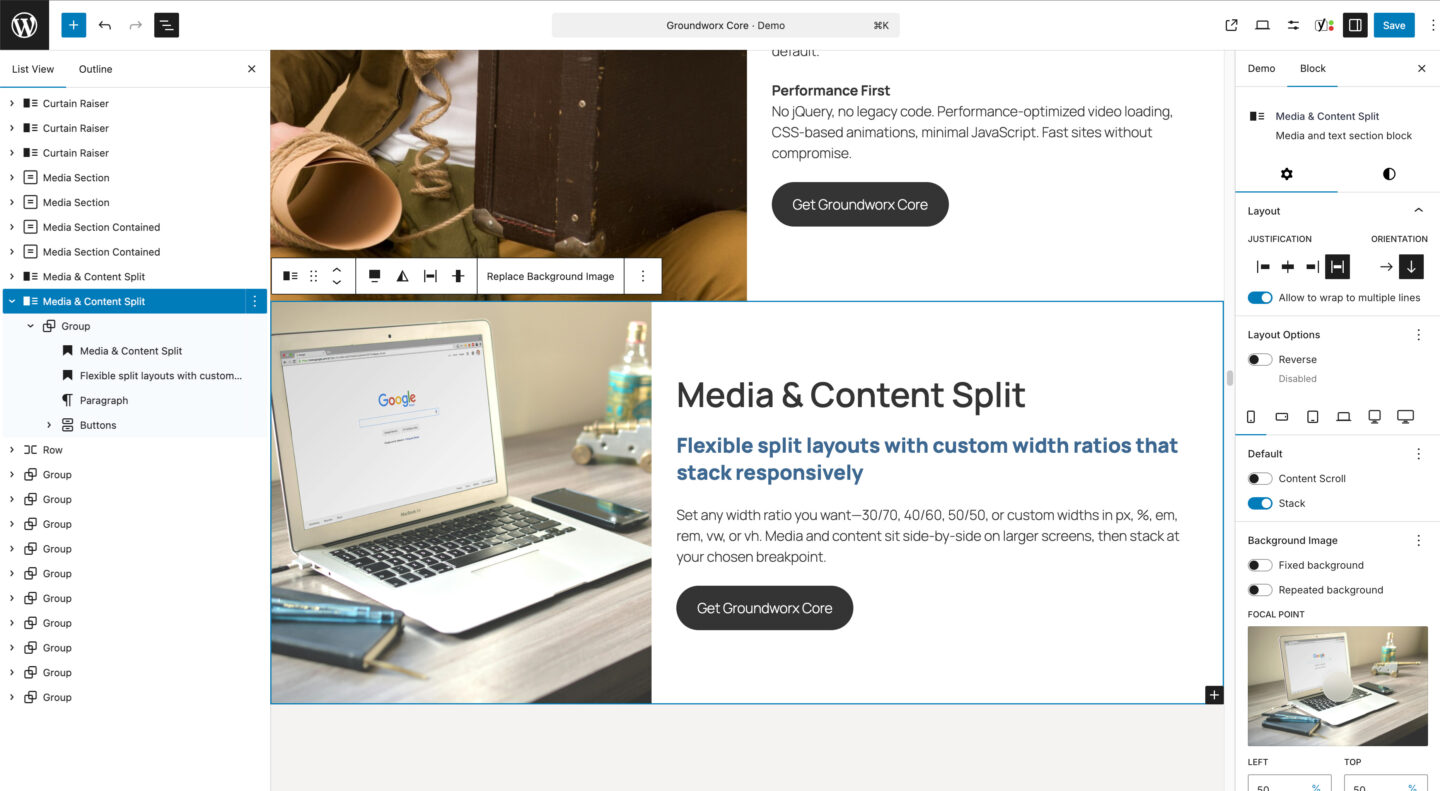
A responsive split section block with media on one side and content on the other. Set custom width ratios and choose when it stacks on smaller screens. Supports background images with overlay controls.
Media Section
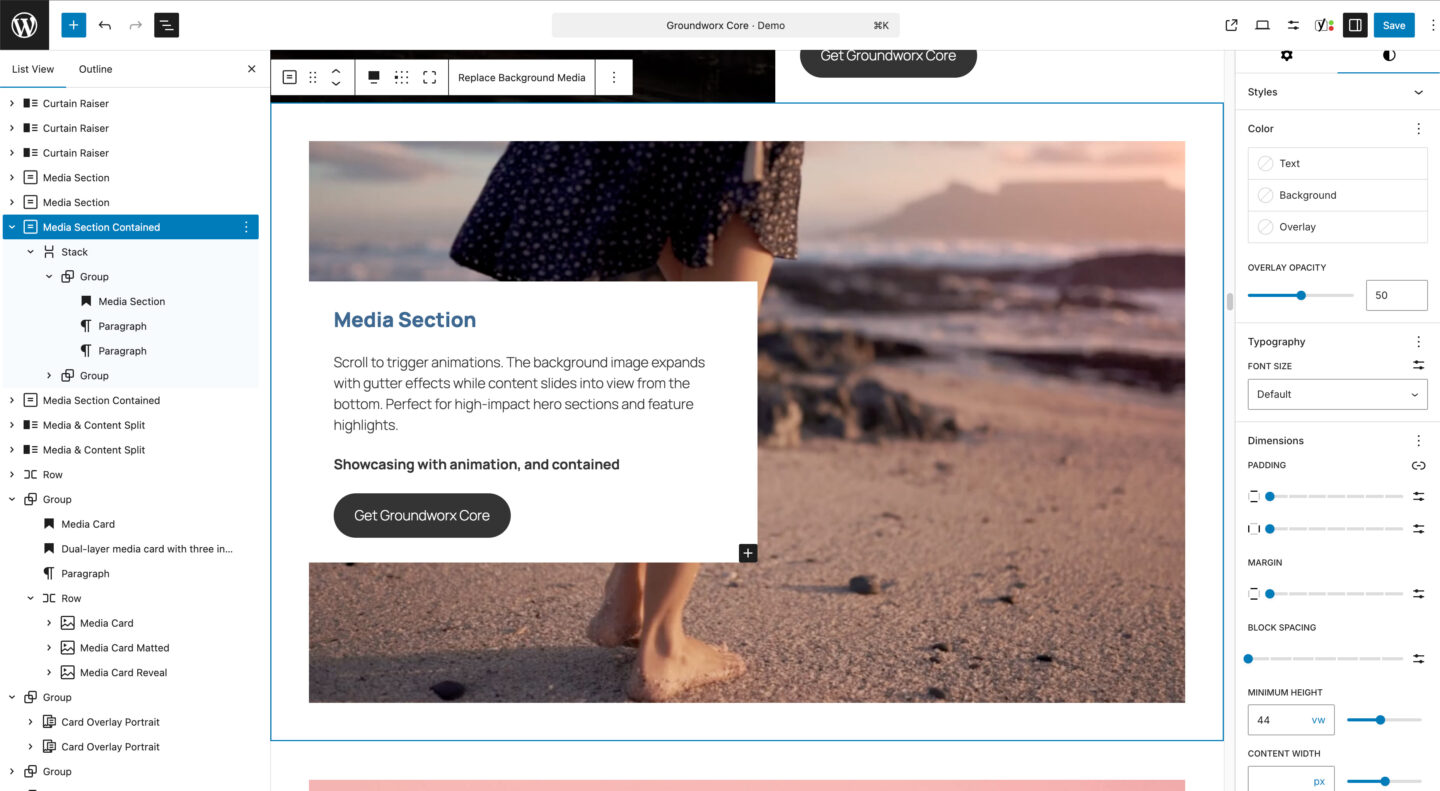
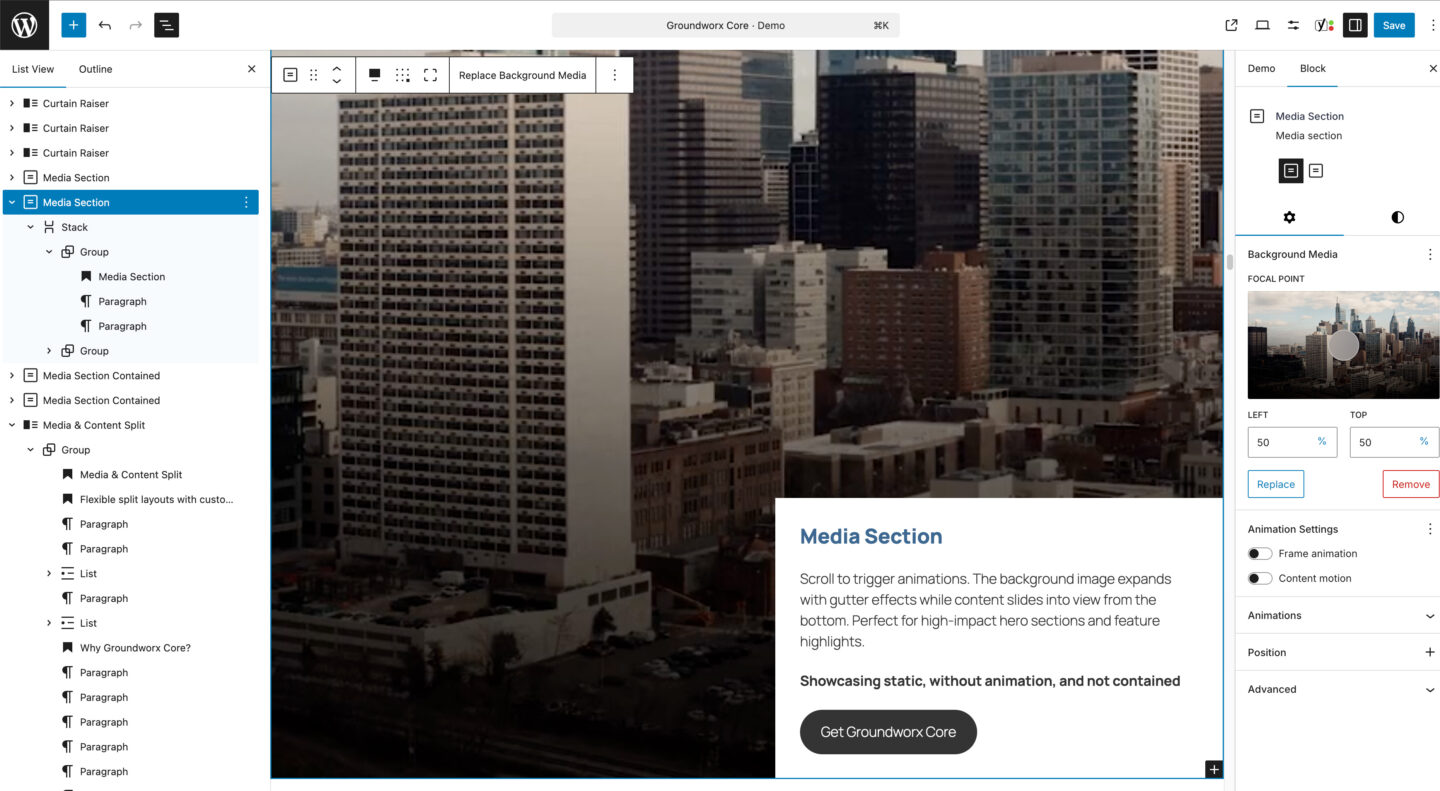
A full-width section block with background image or video and flexible content positioning. Use the 9-position grid to place content anywhere. Includes optional scroll-triggered animations for the frame and content. Available in contained and edge-to-edge layouts.
Video backgrounds include a built-in playback button and settings for autoplay, loop, muted, and play inline, with automatic contrast detection to keep controls visible against any background. Supports reduced motion.
Video Card
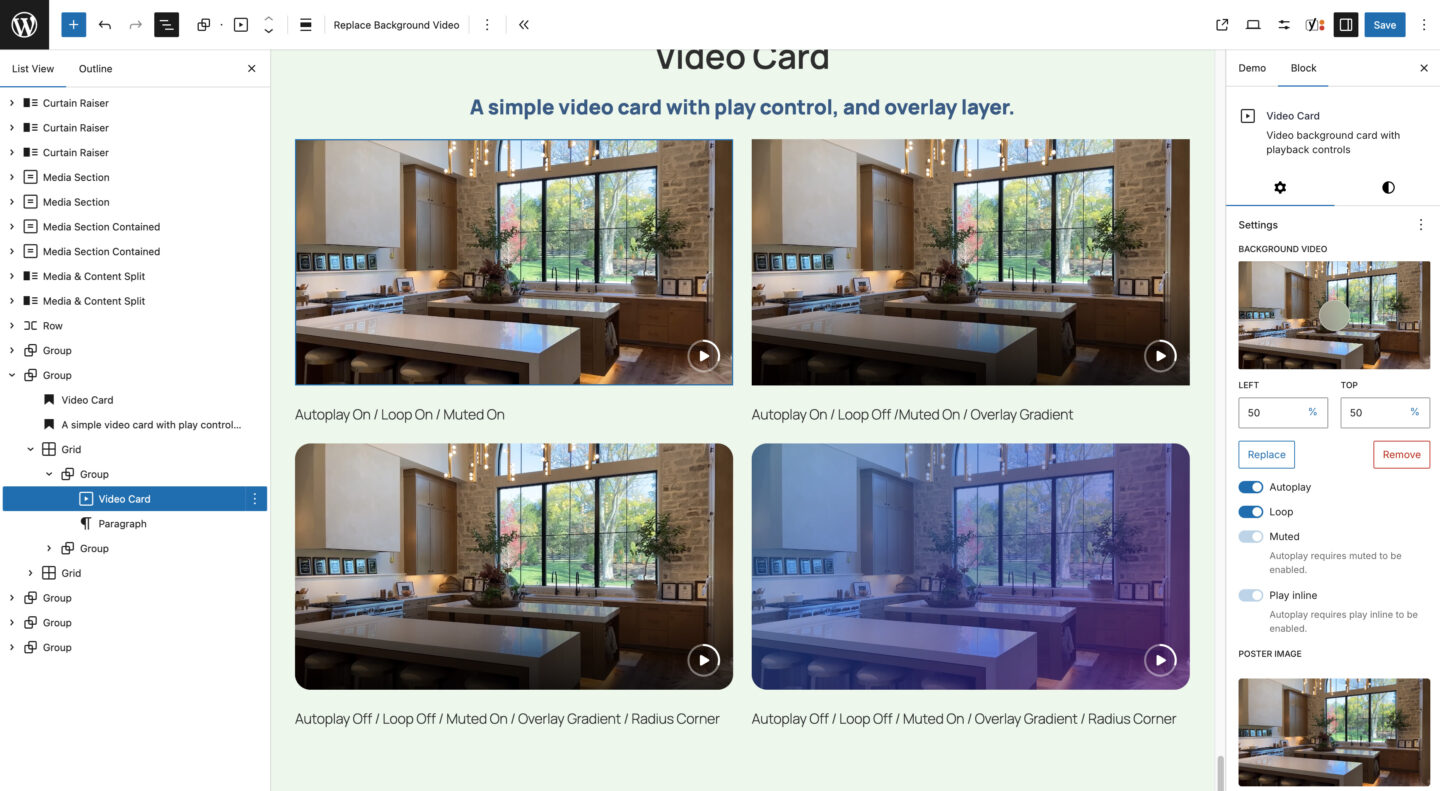
A video background card with a built-in playback button and settings for autoplay, loop, muted, and play inline. All playback controls are user-accessible, with automatic contrast detection to keep them visible against any background. Supports poster image, overlay color controls, and aspect ratio. Supports reduced motion.
Info Card
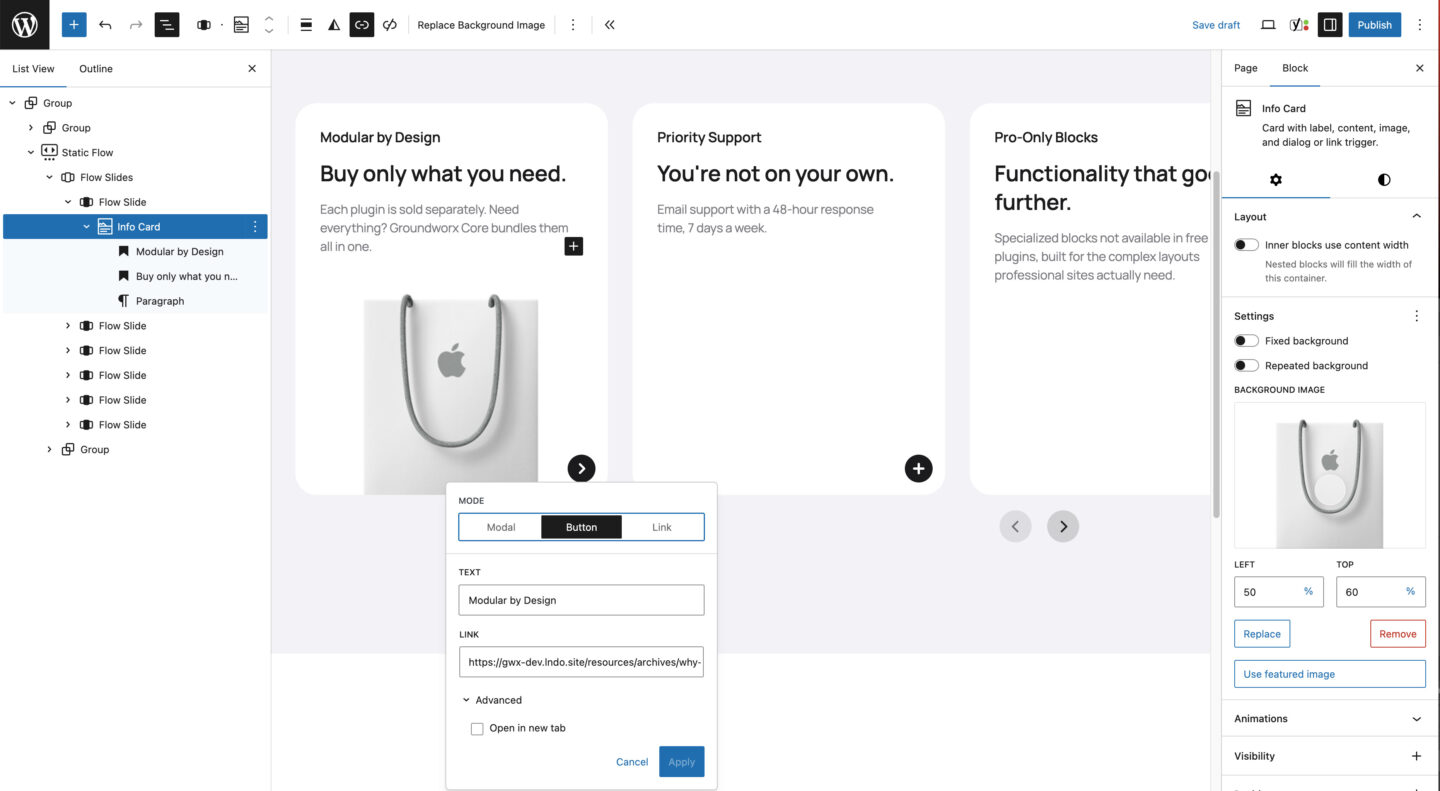
An eye-catching card that pairs a striking image with your own headline and copy, then invites a click to reveal more in a dialog, jump to a page, or trigger a call to action. Perfect for when you want to say more without cluttering your page.
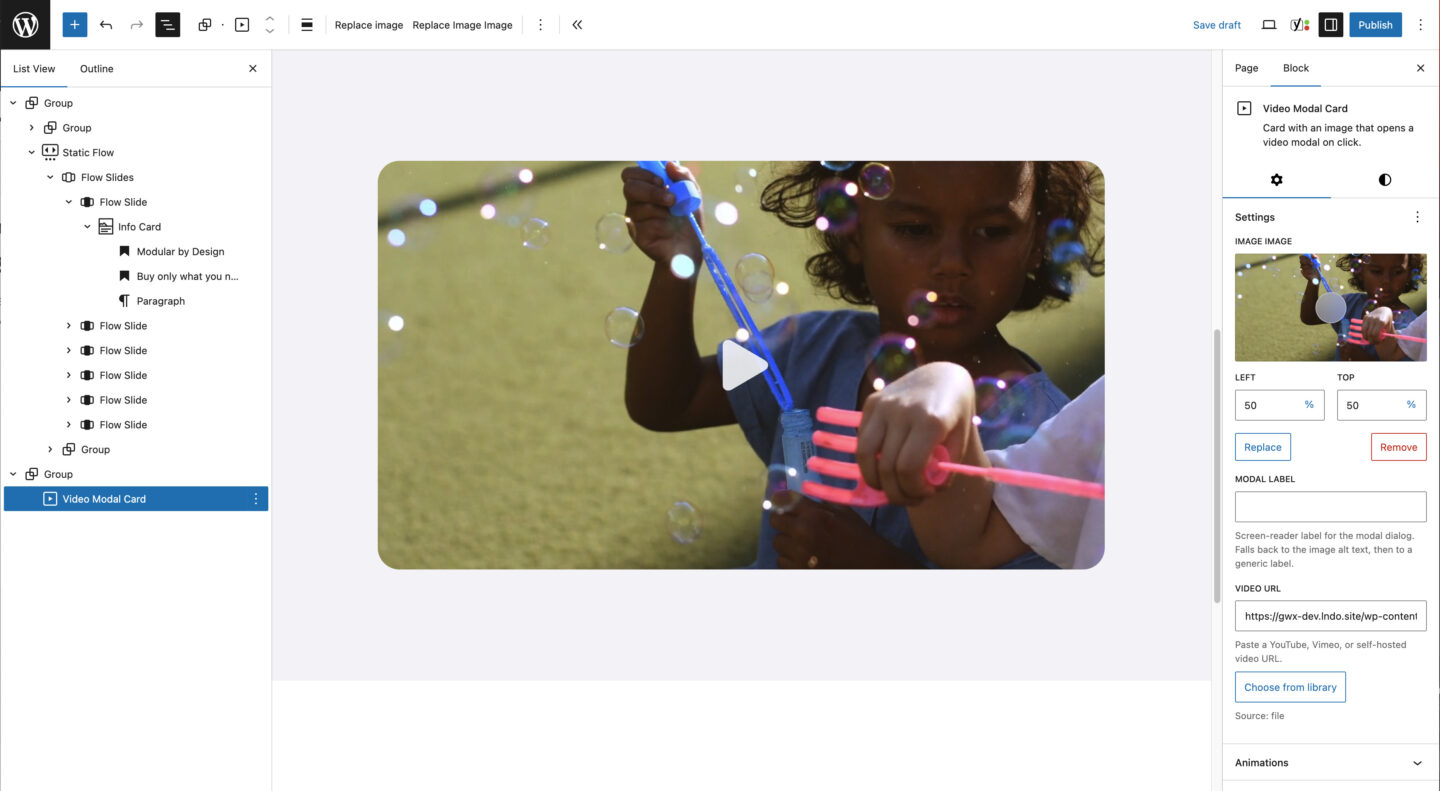
Video Modal Card
A card with a poster image and play button that opens a video in a modal dialog on click. Supports self-hosted videos, YouTube, and Vimeo — auto-detected from the URL. Loads the player only when opened to keep pages fast, with keyboard accessibility and reduced-motion support.
Cards & Sections the WordPress way.
Built on the standards WordPress chose. Not around them.
GSAP animations
Scroll-triggered animations powered by GSAP — the industry standard. Smooth, performant, professional. No amateur CSS keyframes.
Interactivity API powered
Hover states, reveals, and layer interactions use WordPress’s own Interactivity API. The same technology WordPress core uses. Modern, fast, native.
Real blocks, real controls Typography, colors, spacing – all in the editor. Respects your theme.json. Styles the way WordPress intended.
Works with any theme
No forced styles, no design conflicts. Reads your theme.json for colors, spacing, and typography. Your theme stays in control.
Performance built in
Video backgrounds lazy load. Hover videos load on demand. Animations only trigger when needed. No wasted resources.
Clients can manage it Swap images, edit text, update content — all in Gutenberg. No developer needed for everyday changes.
Pro
Everything you get with Pro
Build more. Override less.
Groundworx Cards & Sections is available standalone or as part of Core bundle, the complete block toolkit for agencies and developers who ship client sites.
Blocks that extend your theme, not replace it.
Cards & Sections works with your existing design. It reads your theme.json, respects your spacing and colors.
- Landing pages – Hero sections, feature highlights, CTAs
- Portfolios – Project showcases with hover reveals
- Team pages – Staff cards with bios and social links
- Service pages – Split layouts with media and descriptions
- Case studies – Full-width media sections with scroll animations
- Product features – Card grids highlighting benefits