Query Filters
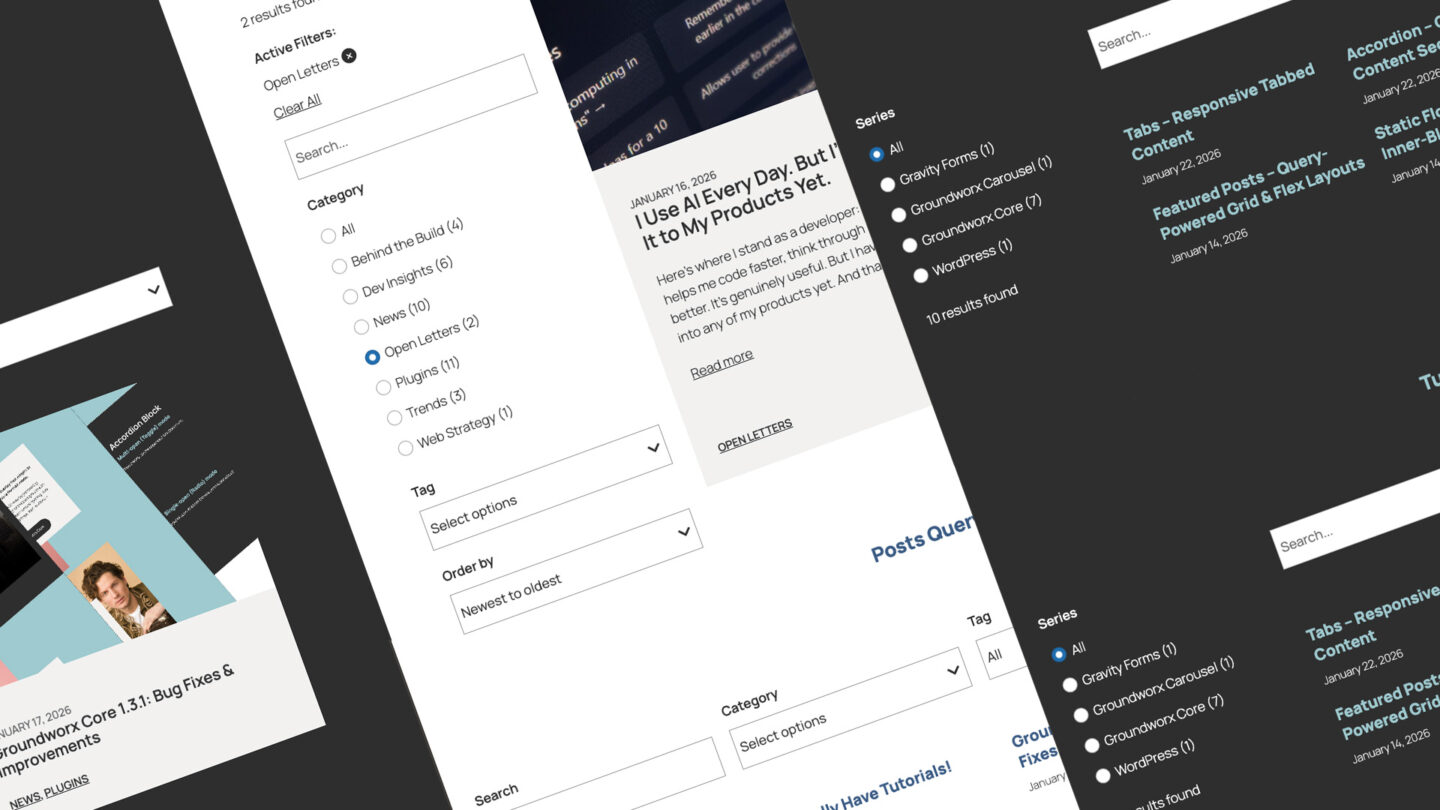
Query Filters
Relevance Search & Faceted Filtering, Built for FSE Blocks
No more search dead ends.
WordPress search returns matches. Query Filters returns answers.
Weighted scoring, intelligent autocomplete, and native block filtering — all on WordPress standards, zero external dependencies.
Query Filters builds a weighted search index directly into your site — title matches score higher, exact phrases score higher still, and autocomplete surfaces only results that actually exist. Every search interaction feels intentional, because the results actually reflect what the user typed.
Filters update contextually, showing only the options relevant to what’s currently on screen. A visitor filtering by “Electronics” sees only the tags that exist on Electronics products — not every tag in the system. Every filter choice leads somewhere useful.
Counts track per post type, so product filters show product counts, not a blended total across your entire site. The numbers visitors see are accurate, specific, and meaningful — which means they trust the interface and keep exploring.
Built entirely on WordPress core, using native blocks and the Interactivity API.
Built on WordPress FSE standards
Every other solution works around WordPress. This one works with it.
Built on @wordpress/interactivity-router and a custom weighted search index that lives entirely inside your WordPress install. No external services. Query Loop handles the query. The search index handles relevance. Filters and search work together, and everything. Query Loop, Query Total, Pagination, No Results keeps working exactly as WordPress intended.
Filters that never mislead. Your visitors deserve results, not dead ends.
Contextual term counts, instant results, no zero-result pages. Everything works with your theme, your pagination, and your plugins.
Works with Query Loop
No custom query system. Drop filters inside any Query Loop block. Uses WordPress’s own query – your theme, pagination, and other plugins keep working.
Interactivity API powered
Instant filtering without page reloads. The same technology WordPress core uses. Modern, fast, native.
Real blocks, real controls Typography, colors, spacing – all in the editor. Respects your theme.json. Styles the way WordPress intended.
Accurate counts
Term counts that actually match your query. Filtering products? You see product counts. Not the combined total from posts, pages, and everything else.
Instant results
Filters apply without page reloads. Scroll position stays. Fast, smooth, modern.
Clients can manage it
Labels, options, sort orders – all editable in Gutenberg. No developer needed for basic changes.
Search suggestions that only show what actually exists.
The first keystroke should already be leading somewhere.
Two modes. Same goal: zero dead ends. No guessing. No empty results pages. Just working search.
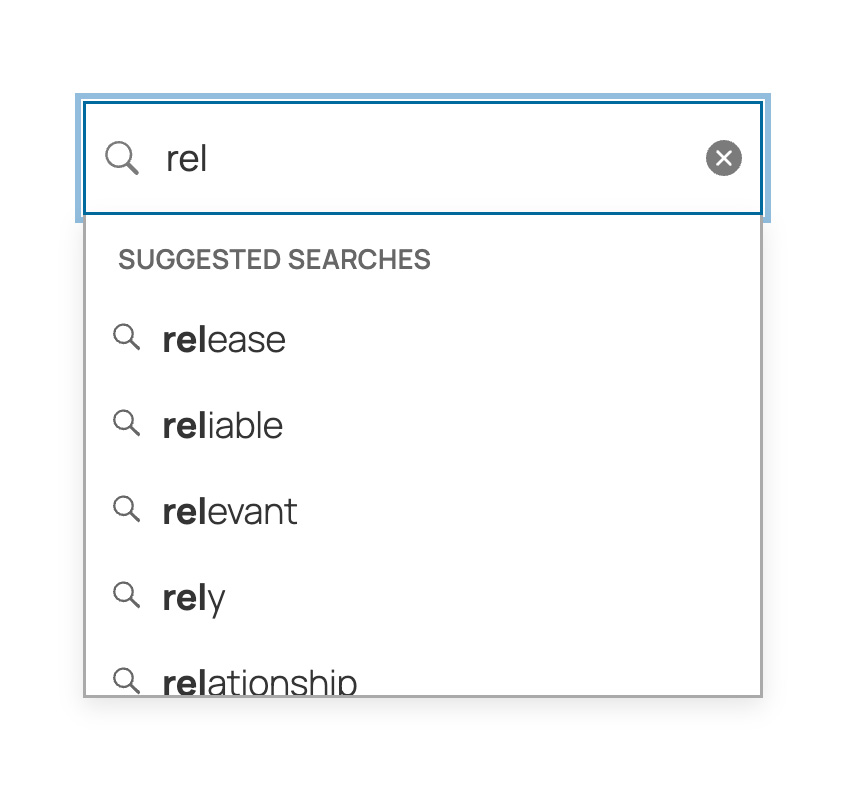
Suggested Searches
Suggests keyword phrases from your content as you type. Every suggestion returns results. No dead ends.
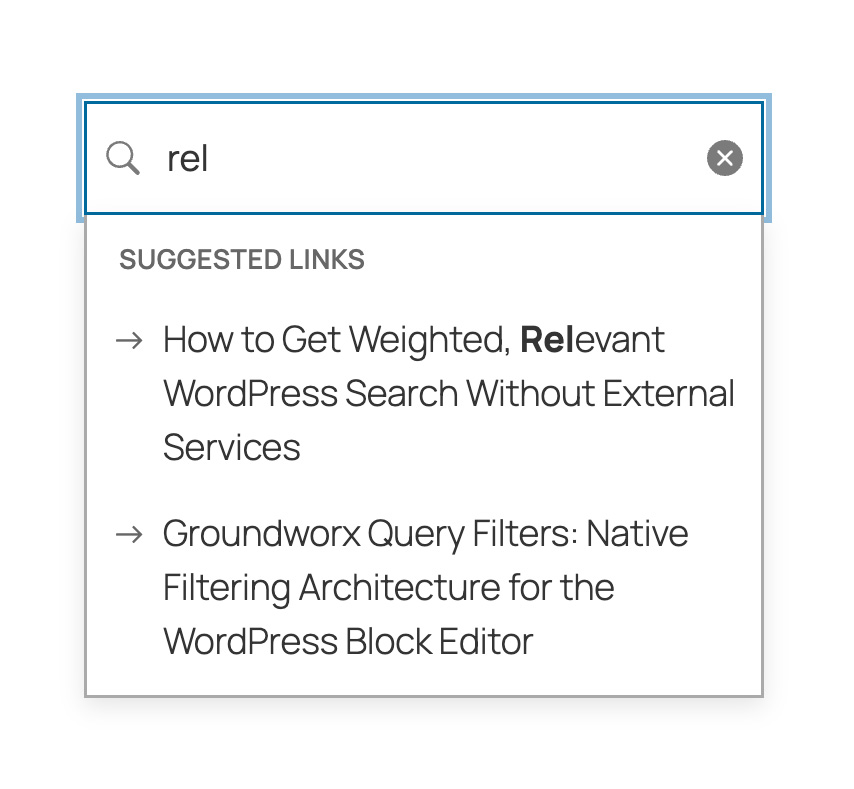
Suggested Links
Shows matching post titles as you type. Click to navigate directly. Context-aware, only surfaces content that matches active filters.
20 Blocks. Complete Control.
Accessible by design.
Targeting WCAG 2.1 AA. No extra configuration needed.
Keyboard navigation throughout. Screen reader support. Proper ARIA patterns on every interactive element. Designed to support accessibility requirements for government, healthcare, education, and enterprise projects.
Built right, not retrofitted.
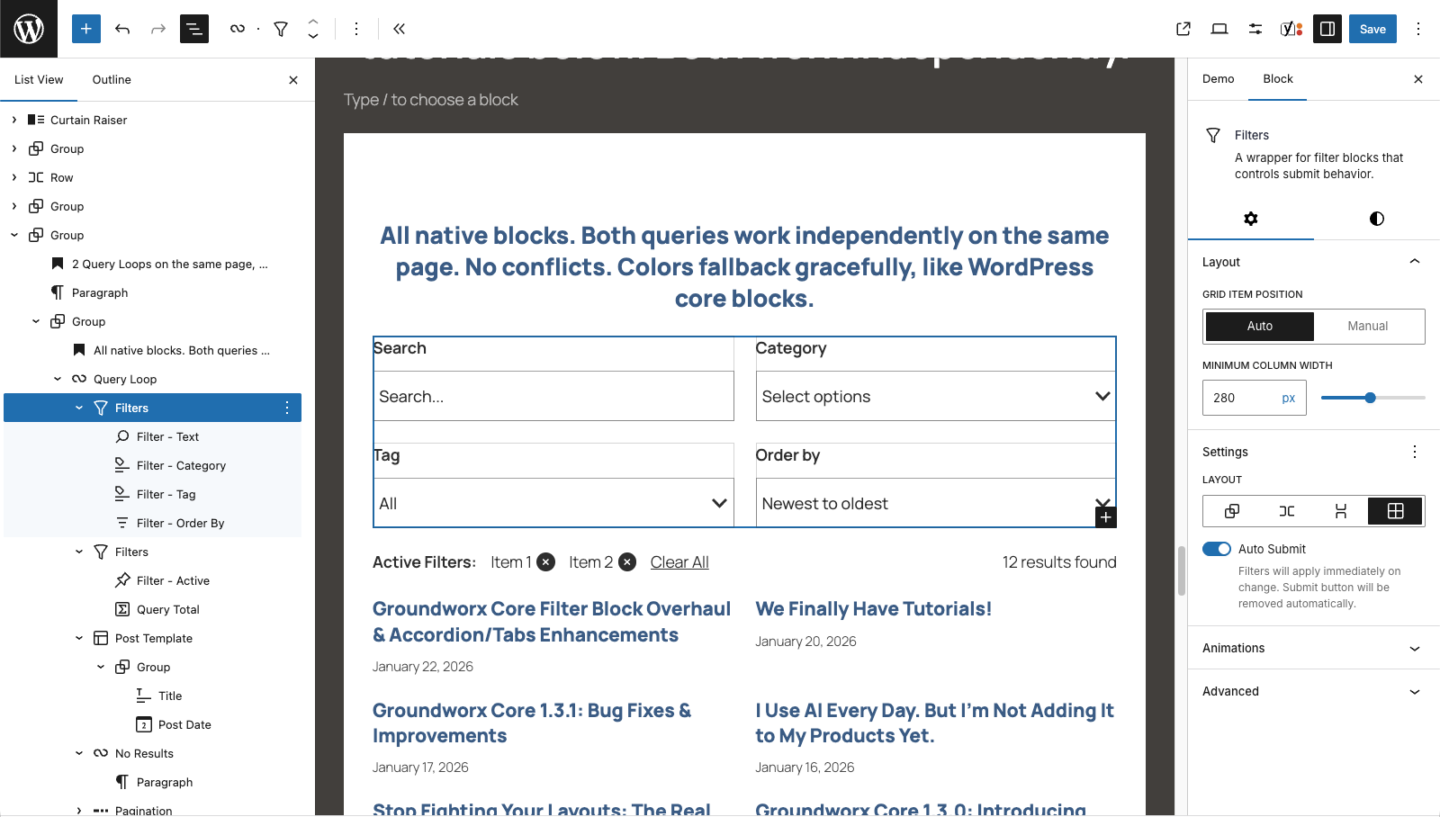
Filters
Groups your filter controls. Auto-submit applies filters instantly – no button needed. Manual mode waits for user to click submit. Each wrapper works independently. Full layout controls.
Filter Terms
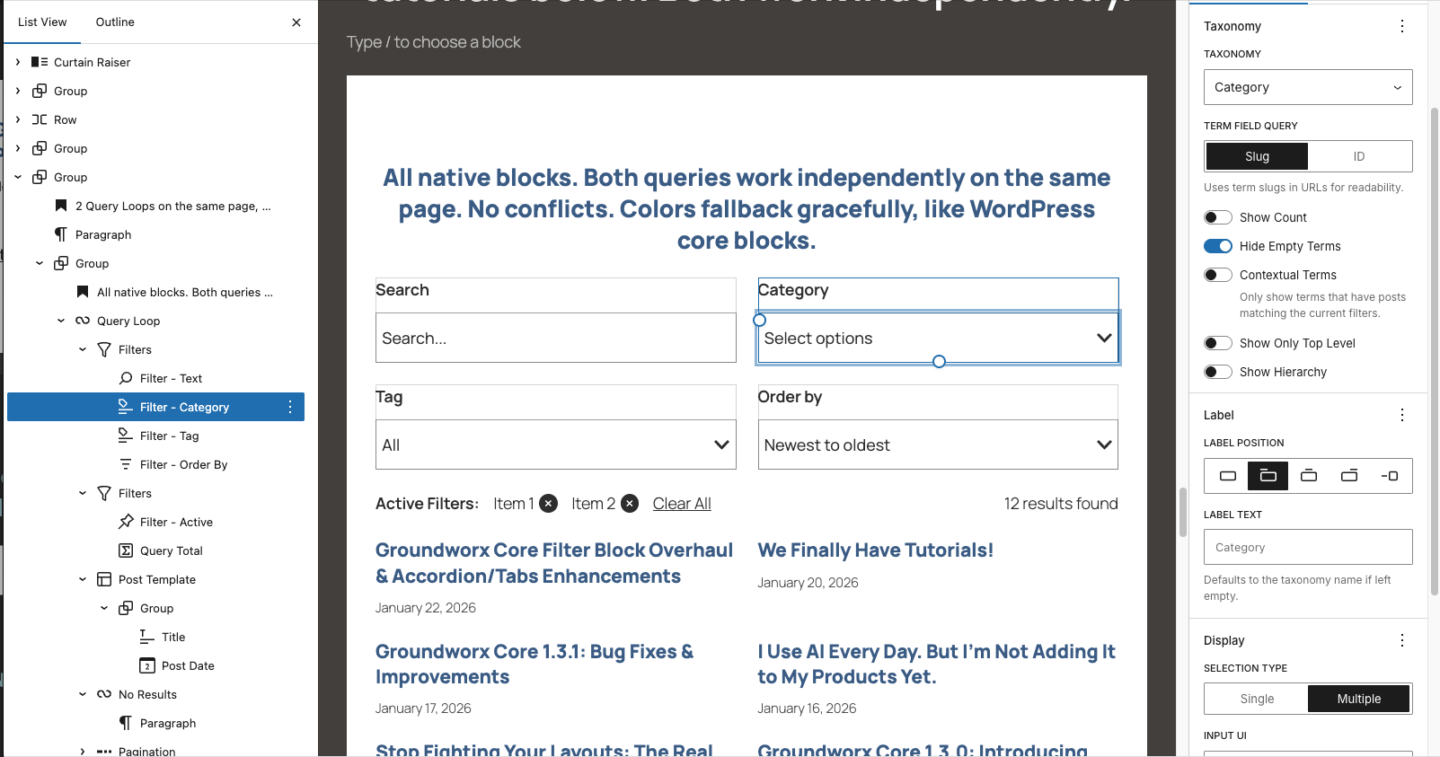
Filter by any taxonomy – categories, tags, custom taxonomies. Display as radio buttons, checkboxes, dropdown, or responsive (collapses to dropdown on mobile). Show term counts. Show hierarchy. Hide empty. Contextual mode shows only terms that exist in current results – no dead ends.
Filter Text
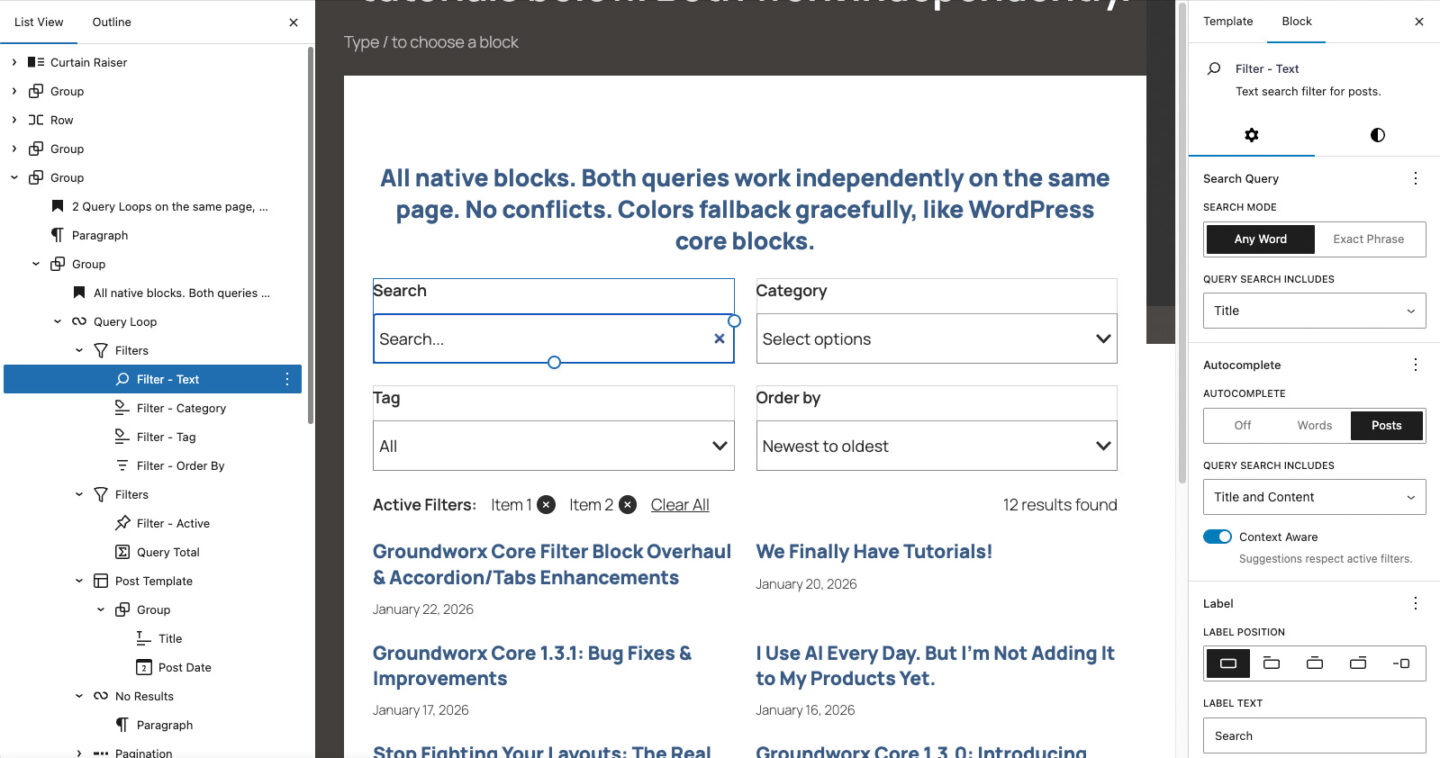
Keyword search with intelligent autocomplete. Suggests phrases from your content or matching post titles. Context-aware. Exact phrase matching available.
Filter Order By
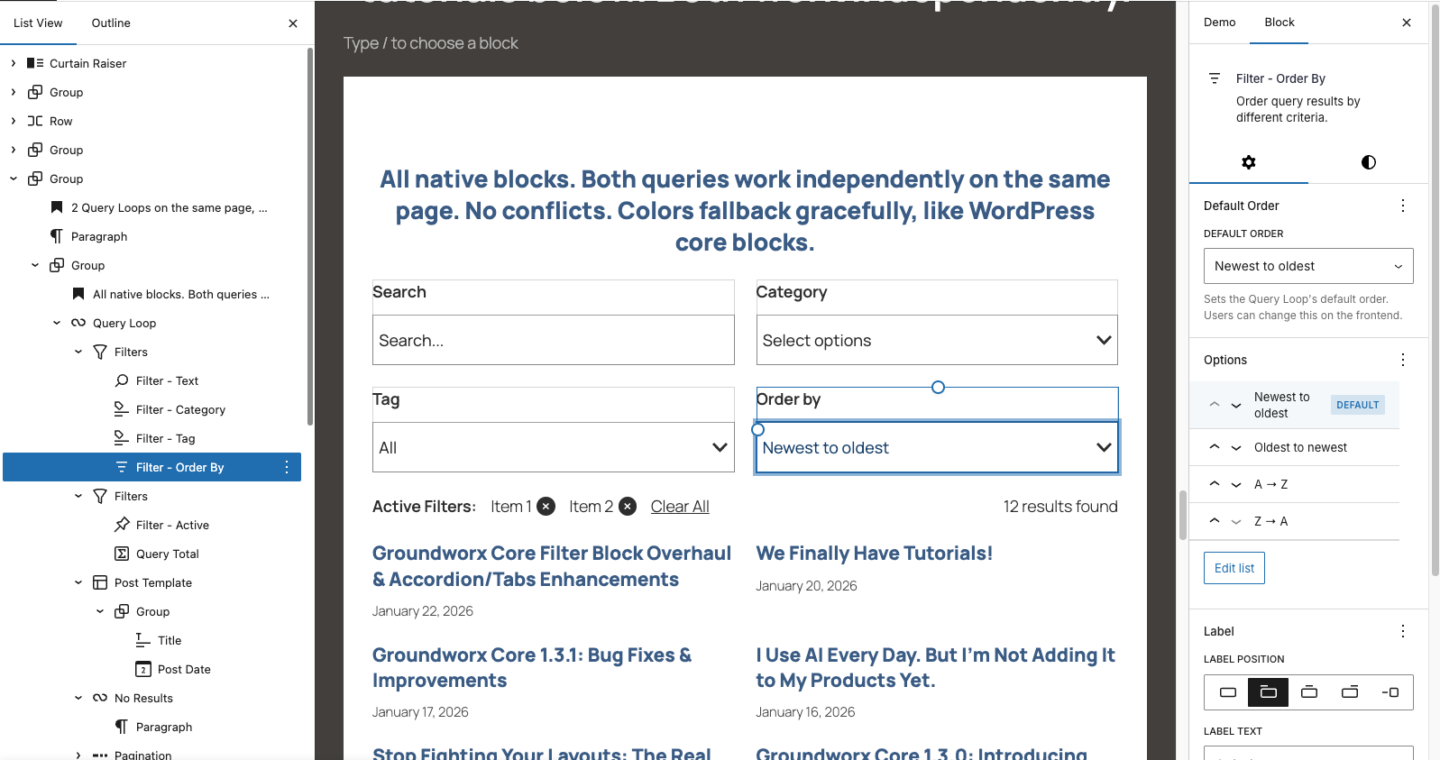
Sort by date, title, menu order, alphabetically. Visual editor to add, remove, reorder options. Set default sort. Auto-detects post type from your template.
Filter Active
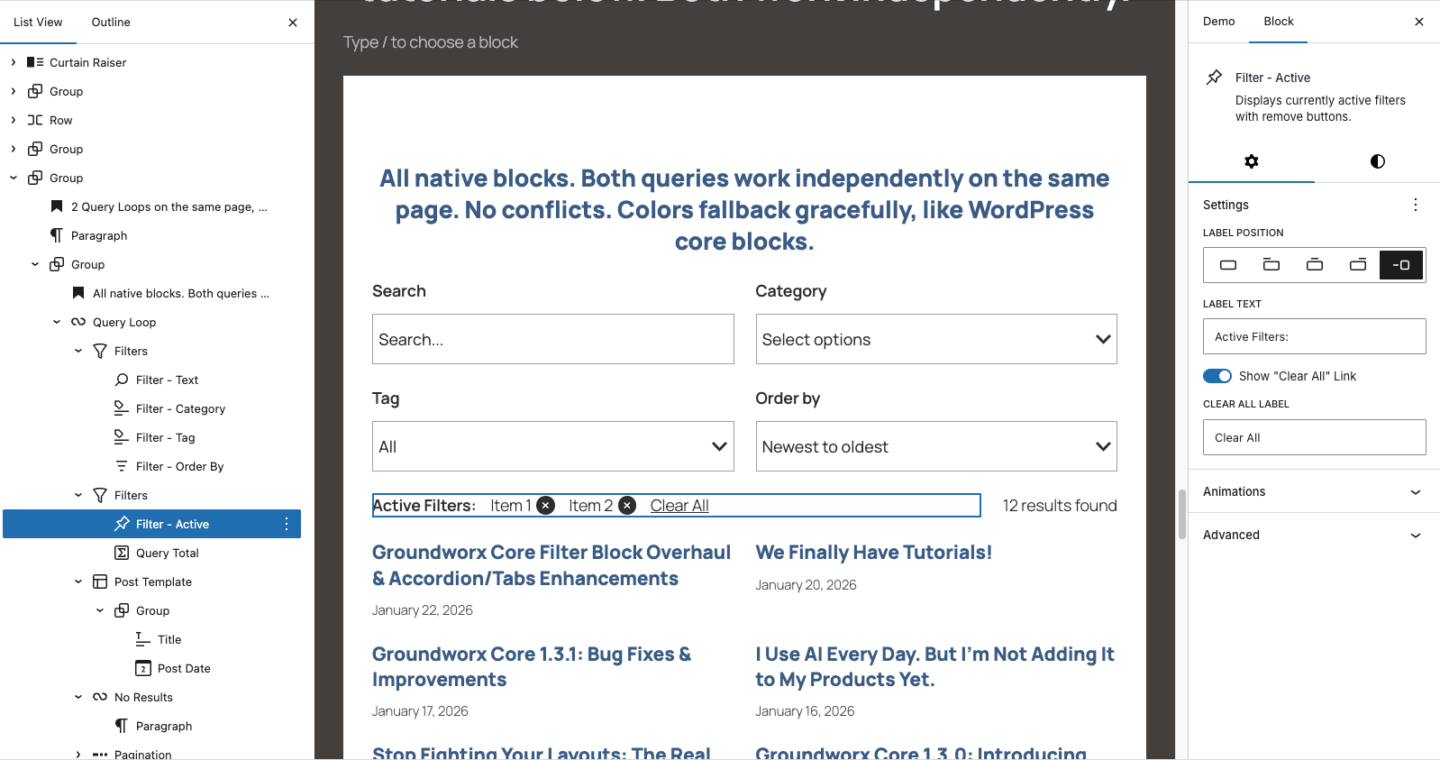
Shows currently applied filters as removable chips. Click to remove individual filters. Optional Clear All button.
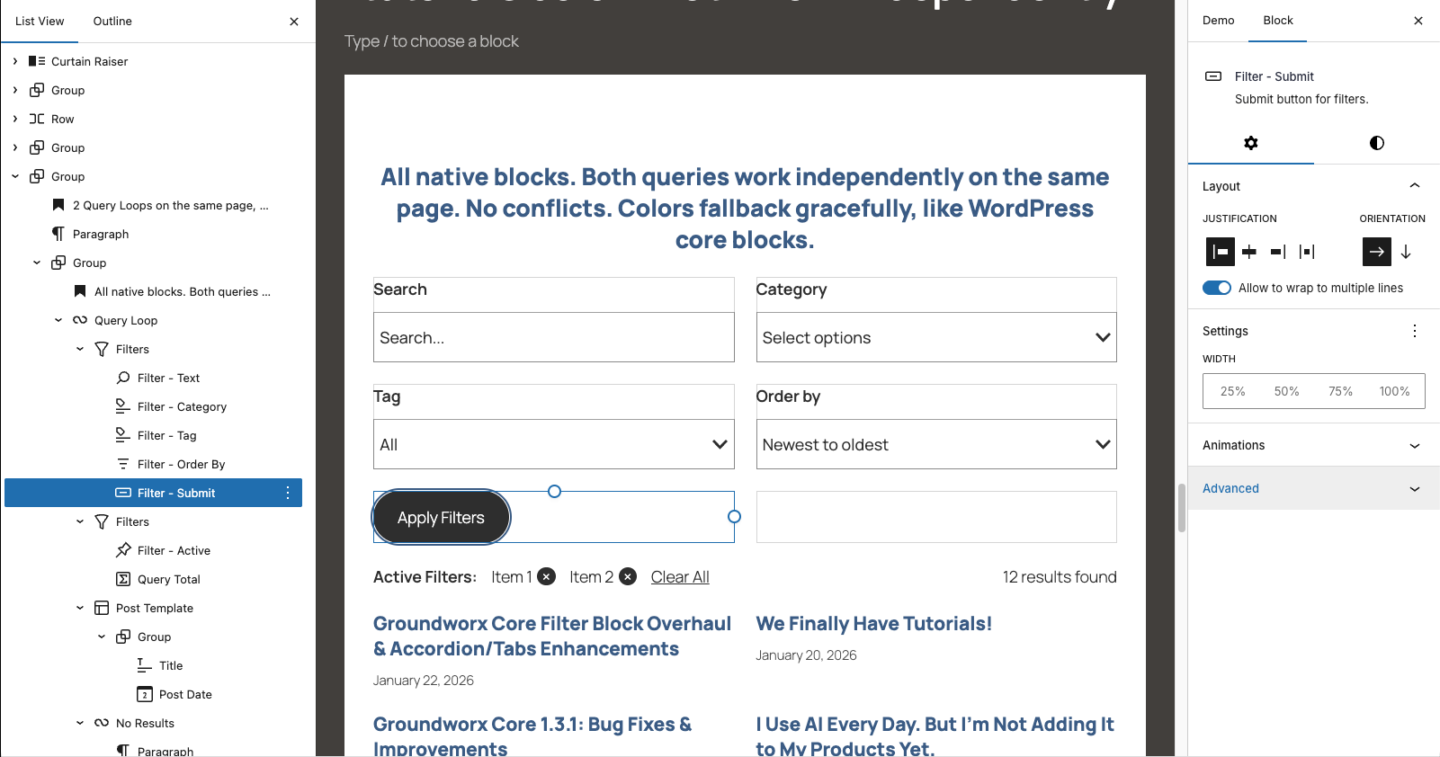
Filter Submit
Submit button for manual mode. Full styling controls – colors, borders, typography, width.
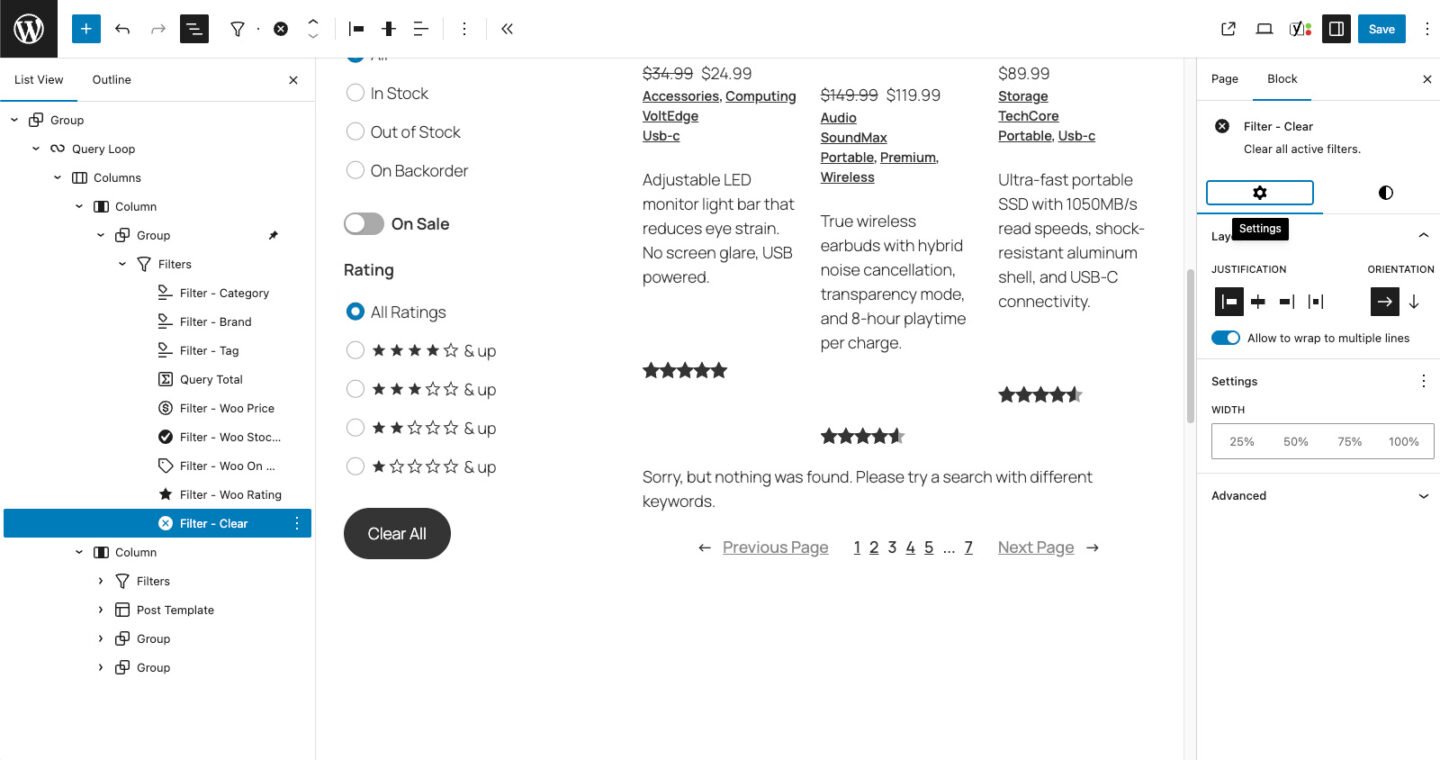
Filter Clear
Clear all filters button. Full styling controls — colors, borders, typography, width. Works with both manual and auto-submit modes.
Global Search
Site-wide search with Quick Links on focus. Static shortcuts appear the moment the field is active, disappear once you start typing. As you type, autocomplete surfaces suggested searches (keyword phrases from your content) and suggested links (matching post titles), all relevance-ranked. Every suggestion leads somewhere real. No dead ends.
Global Search Dropdown
The same experience as Global Search, wrapped in a popup. The search input sits inline in your header or navigation. Focus it and Quick Links appear in the dropdown. Start typing and suggestions take over. Closes when you click away. Ideal for headers where space is limited but the full search experience still matters.
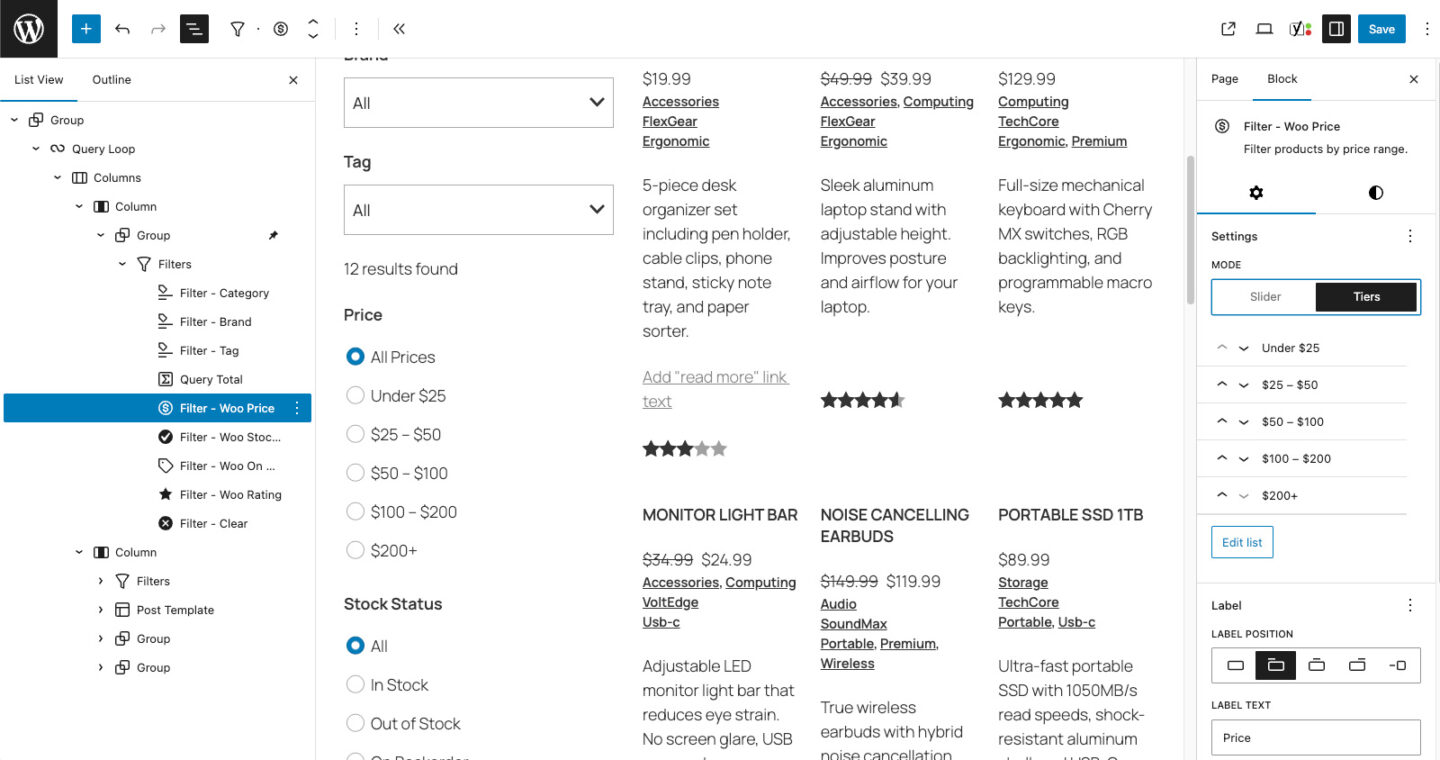
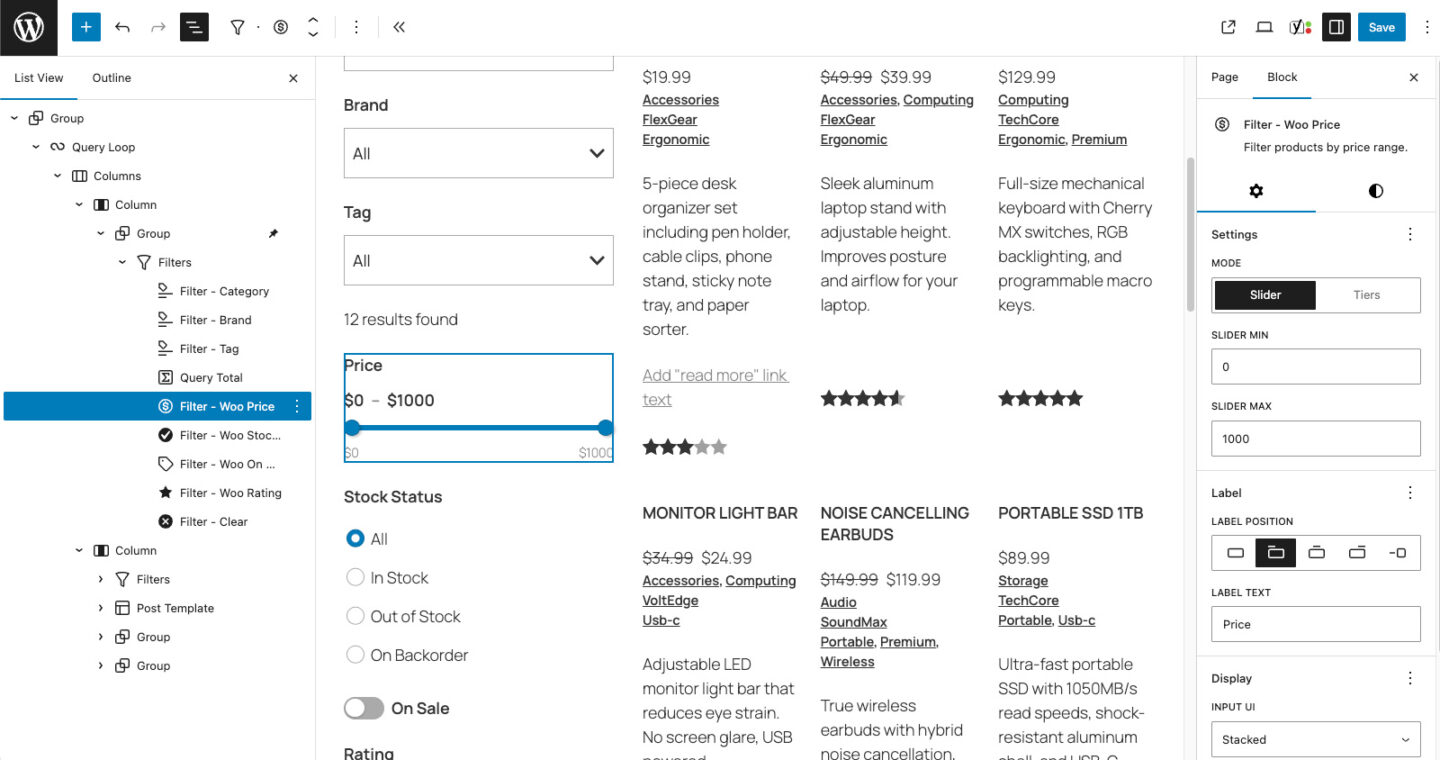
Filter Woo Price
Filter WooCommerce products by price. Dual-handle range slider or predefined price tiers. Customizable min/max range. Add, remove, reorder tier labels. Responsive layout switching.
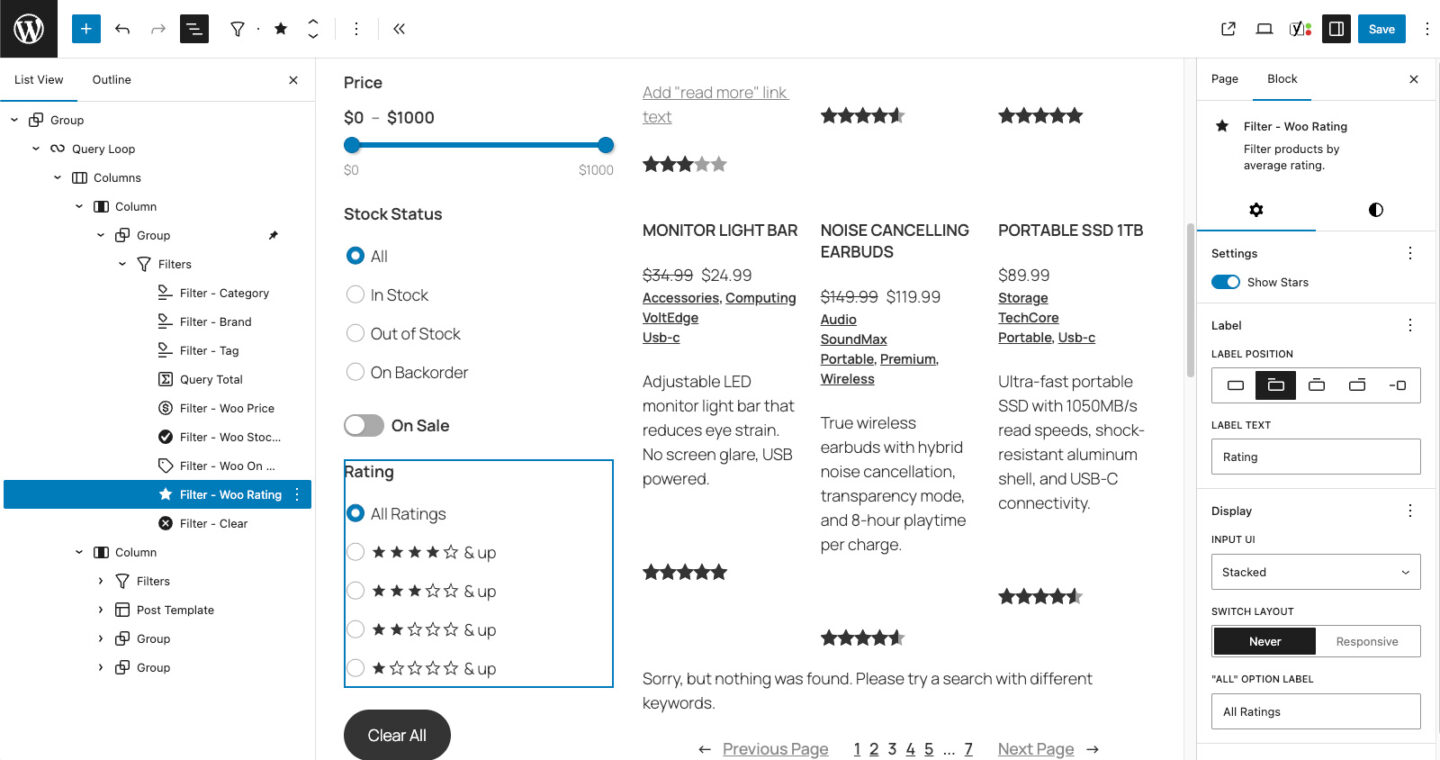
Filter Woo Rating
Filter WooCommerce products by star rating. Amazon-style star icons or text labels. Display as stacked list, inline, custom dropdown, or native select. Responsive layout switching.
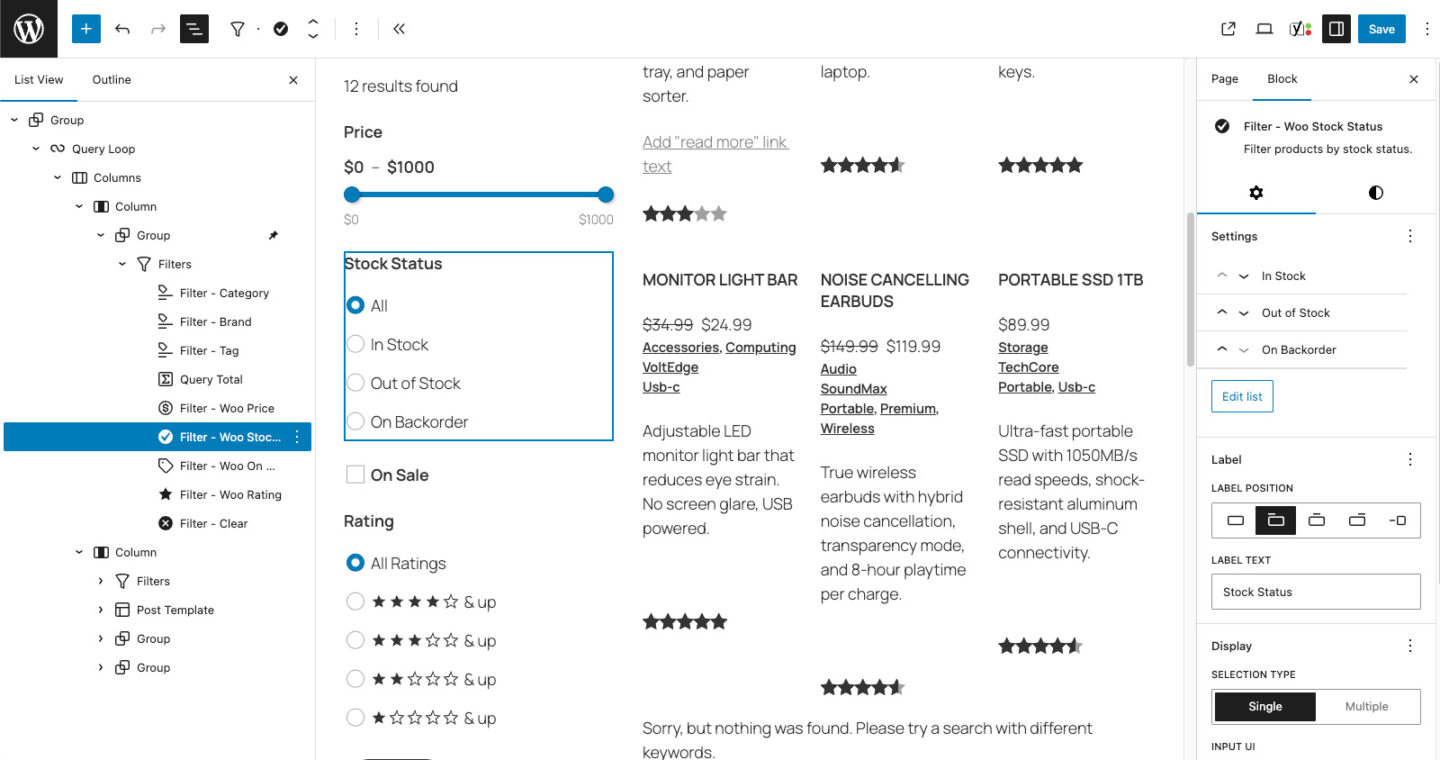
Filter Stock Status
Filter WooCommerce products by In Stock, Out of Stock, or On Backorder. Single or multi-select. Enable, disable, reorder, and relabel each status. Four layout options with responsive switching.
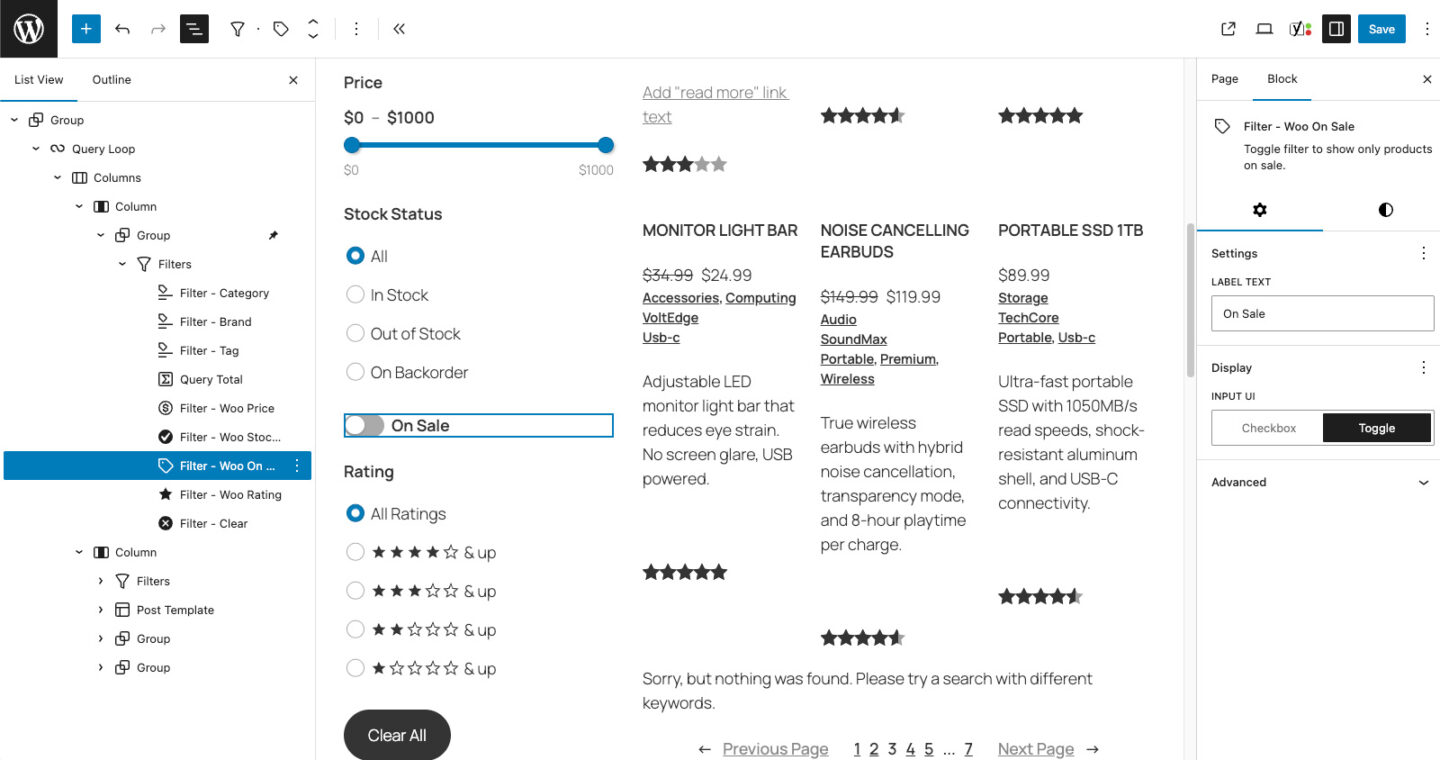
Filter On Sale
Filter WooCommerce products on sale. Simple toggle — display as checkbox or toggle switch. Customizable label text.
Pro
Everything you get with Pro
Search and filtering, done right. Finally.
Groundworx Query Filters is available standalone or as part of Core bundle, the complete block toolkit for agencies and developers who ship client sites.
Built for real projects.
- Blog archives – search by keyword, filter by category, tag, date
- Portfolios – search by skill, filter by project type, client, technology
- Resource libraries – search by topic, filter by format, date
- Team directories – search by name or role, filter by department, location
- Product catalogs – search by keyword, filter by category, attributes
- Job boards – search by title, filter by department, location, type