Executive Summary
WordPress powers over 40% of the web. Its built-in search has never kept pace with the content discovery expectations of modern users. A search that returns every post containing a keyword, with no sense of relevance or context, is not a search engine. It is a text scanner.
Groundworx Query Filters 2.0 introduces a weighted relevance engine built entirely inside WordPress, with no external services, no API dependencies, and no data leaving the server. It combines intelligent search with native block-based filtering into a single product built for Full Site Editing that works with WordPress core standards rather than around them.
Why WordPress Search Returns Matches Instead of Relevance
Default WordPress search uses a SQL LIKE query against post_title and post_content. This approach has several fundamental limitations:
- No relevance ranking. A post that mentions a keyword once ranks equally with a post about nothing else.
- No phrase awareness. Searching “modern kitchen renovation” matches posts containing any of those words in any order.
- No synonym support. A search for “apartment” does not surface posts about “flat” or “condo.”
- No typo tolerance. A misspelling returns nothing, even when the intended content clearly exists.
- No per-content weighting. A title match carries the same weight as a passing mention in a footer paragraph.
- No autocomplete. Users type into a void and submit to find out what they get.
The result is a poor discovery experience. Visitors search, receive irrelevant or empty results, and leave. The content exists. The connection between visitor intent and that content does not.
The core problem: WordPress search returns matches. Visitors need relevance.
How the Weighted Search Index Works
Groundworx Query Filters 2.0 is built on four integrated systems: a custom search index, a dictionary engine, a global search layer, and a filtering layer. All four are native to WordPress, implemented in PHP and JavaScript without external dependencies.
How Content Gets Scored
The search index is a custom database table populated and maintained by Query Filters. When content is published, updated, or indexed on demand, the plugin tokenizes post titles, content, excerpts, and taxonomy data, then stores weighted term records per post.
Each token is assigned a base relevance weight based on its source field. These weights are configurable in the settings page, globally and per post type:
- Title match: highest weight by default. A post whose title matches the query is a strong candidate for the top result.
- Excerpt match: second highest weight. Excerpt fields are treated as curated summaries and scored accordingly.
- Taxonomy match: configurable. Tag and category matches contribute to relevance and can be weighted independently.
- Content match: lowest weight by default. Mentions in the body text contribute to relevance but do not dominate it.
- Per-post boost: administrators can assign an explicit relevance boost to individual posts via Quick Edit or Bulk Edit, promoting priority content without changing its natural ranking.
- Per-post exclude: posts can be excluded from search results entirely via Quick Edit or Bulk Edit, without deleting or unpublishing them.
Design decision: Weighting is done at index time, not query time. This keeps search response fast even on large content sets, because the ranking computation is already done.
Relevance weights are set globally by default, but each post type can have its own override. A product search can weight title higher than an editorial search does. A tutorial archive can weight taxonomy terms more heavily than a blog. These overrides require no code.
Proximity and Phrase Awareness
Beyond field-level weights, the system scores results based on how words appear relative to each other. Proximity settings are configurable globally and per post type:
- Exact phrase boost: when the search query appears as a contiguous phrase in the content, a configurable bonus score is applied. Searching “open floor plan” ranks posts where those three words appear together higher than posts where they appear scattered.
- Nearby words boost: when query terms appear within a configurable token distance of each other (default: 5 tokens apart), a proximity bonus is applied. This rewards content that is densely relevant without requiring exact phrase matches.
- Distant matches: optionally disabled. When off, results where query terms appear far apart or in unrelated contexts are suppressed rather than ranked low.
This gives site owners fine-grained control over how aggressively the index rewards relevance density, without writing a line of code.
Fuzzy Search
Query Filters applies fuzzy matching to both search results and autocomplete suggestions. When a visitor types a word with a typo or near-miss spelling, the autocomplete surfaces the closest matching terms and the results reflect those matches. Typing “gravti” suggests “gravity” and “gravityforms.” There is no “did you mean” prompt, no error state, and no empty results page. The system assumes the visitor meant something reasonable and surfaces the closest matches. Fuzzy matching is always on and requires no configuration.
Index Scope and Exclusions
WordPress indexes all public post types and taxonomies by default, meaning /?s= can surface anything on the site. Query Filters gives you explicit control over what belongs in the global search index and what doesn’t.
Most search on a WordPress site is already scoped. A taxonomy archive queries posts within that taxonomy. A post type archive queries posts of that type. Filter Text search within a Query Loop inherits that scope automatically, so exclusions do not apply there.
Global Search is different. It searches across everything in the index with no inherited constraints. The exclusion settings exist to make that index deliberate rather than exhaustive.
- Post type exclusion: remove post types that shouldn’t appear in site-wide search. Testimonials, demos, internal post types, or any content that exists for reasons other than search discovery can be excluded entirely.
- Taxonomy exclusion: remove taxonomies that add noise rather than signal. Post formats, internal classification systems, or vendor-specific taxonomies can be excluded from the index.
Excluded post types and taxonomies are not indexed and never surface in Global Search results or autocomplete suggestions.
Compound Terms and Phrase Boosting
Multi-word phrases can be defined as compound terms in the dictionary. A compound term is treated as a single token during indexing and search. When a query matches a compound term, a configurable bonus score is applied on top of the standard relevance score. A site can define “full site editing” as a compound term so that an exact match scores higher than individual word matches would produce on their own. This is configured in the dictionary, not in code.
An Index That Stays Accurate When Content Changes
When a taxonomy term is edited in the WordPress admin, the search index updates synchronously on save. Index state is never stale because a term label changed in the background.
Teaching the Search Engine Your Content’s Language
The dictionary is a content-level configuration system managed entirely within the WordPress admin, with no code changes required. It supports:
- Synonyms: terms can be mapped bi-directionally (both directions match each other) or uni-directionally (one term maps to another, but not the reverse). “GTM” maps bi-directionally to “Google Tag Manager.” “search” maps uni-directionally to “query filters.”
- Stopwords: common words that carry no search value are stripped from queries and indexes, reducing noise.
- Compound terms: multi-word phrases treated as single tokens during indexing and search. Managed in the dictionary alongside synonyms and stopwords.
Site-Wide Search That Only Surfaces Real Results
Global Search is a site-wide search block that uses the weighted index to power an autocomplete-first experience. Before the visitor types anything, it displays configurable Quick Links, static navigation shortcuts that appear on focus, similar to the search experience on apple.com. As the visitor types, the autocomplete takes over.
Global Search operates in three configurable modes:
- Off: Global Search block is inactive. Filter Text handles all search functions within its own query loop.
- Suggested Links: WordPress default search powers the results, but autocomplete suggestions are relevance-ranked, showing matching post titles as direct links. Every suggestion is a real post that exists.
- Global: relevance scoring applies to everything. Autocomplete suggestions and search results are both ranked by the weighted index. Submitting a query navigates to a search results page with fully relevance-ranked results.
Key guarantee: Every autocomplete suggestion leads somewhere. The system only surfaces terms and titles that exist in the index.
Global Search and Filter Text share the same index and dictionary. A synonym added to the dictionary applies to both. A per-post boost applies to both. The two blocks are different surfaces into the same relevance engine.
Filtering That Works With Query Loop, Not Instead of It
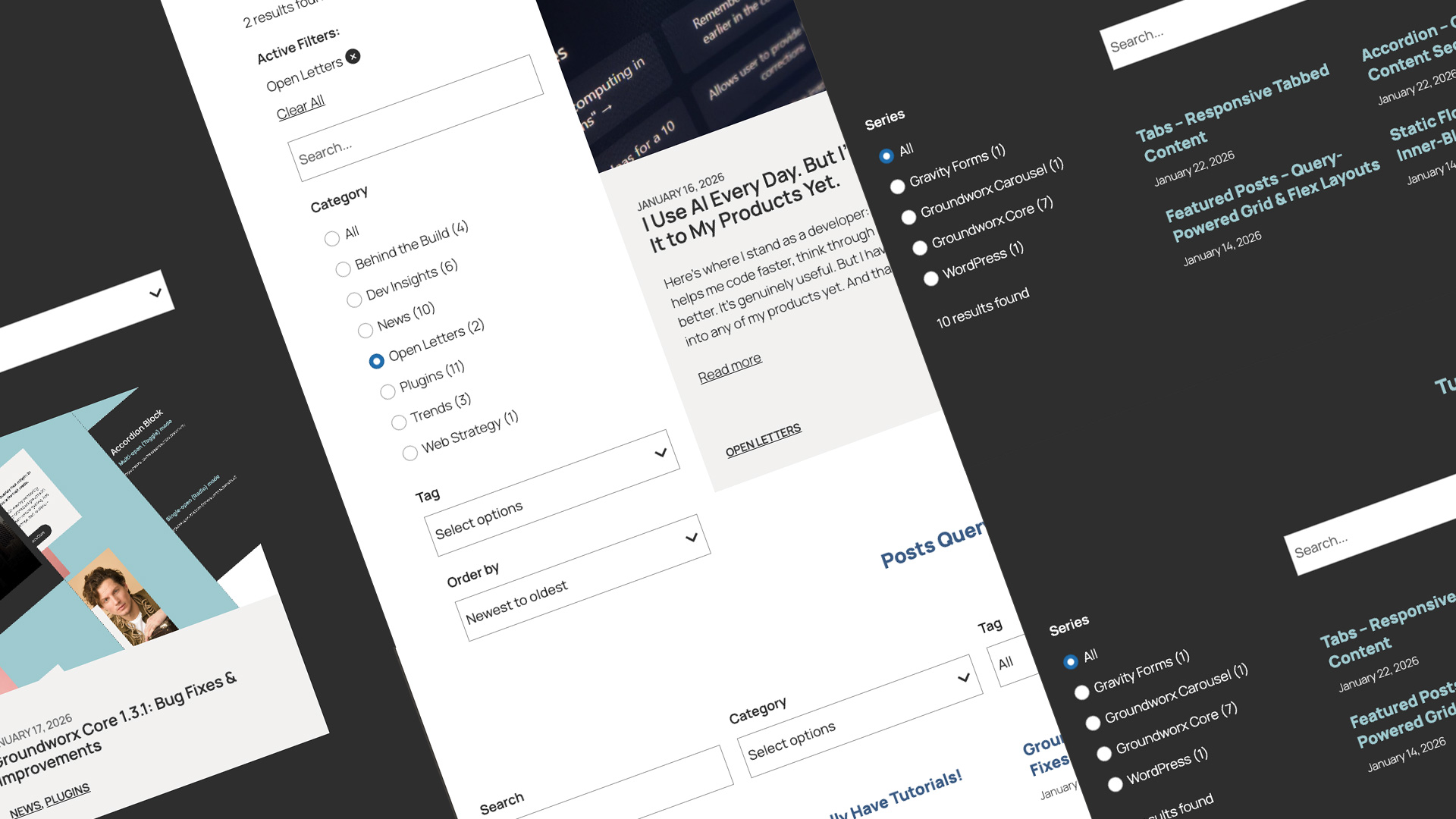
The filtering layer is built on the WordPress Interactivity API and works with the native Query Loop block. Filters do not replace or wrap the Query Loop. They communicate with it through the Interactivity API store, and the Query Loop continues to handle all query execution.
This architecture preserves compatibility with themes, pagination, WooCommerce, and any other plugin that integrates with Query Loop. If you have other blocks already built to work with Query Loop, they continue to work alongside Query Filters without modification. Themes, pagination, WooCommerce, and third-party plugins need no patches to maintain compatibility.
Filter Counts That Reflect the Current Query
Filter Terms blocks display accurate counts scoped to the current query state. When a visitor filters by “Electronics,” the tag filter updates to show only tags that appear on Electronics posts, with counts reflecting only those posts. WordPress stores a single global count per term; Query Filters computes contextual counts in real time.
How to Prevent Empty Search Results Before They Happen
Contextual mode prevents filter combinations that would return zero results, by hiding or disabling options before the visitor selects them.
Why Your Search Index Should Stay on Your Server
Most search enhancement tools for WordPress follow one of two models: they replace the WordPress search with a shortcode-based custom query, or they send content to an external service that builds and maintains the index on their infrastructure.
The second model introduces a fundamental issue: content leaves the server. Post titles, body text, and metadata are transmitted to and stored on third-party infrastructure. For content in regulated industries, healthcare, finance, legal, education, this raises compliance concerns. For any site owner, it represents a loss of data ownership.
The Groundworx approach: The search index is a custom database table inside your WordPress install. Your content is tokenized and stored on your server. Search queries run against your database. Query Filters does not transmit your content to external services. Your search index stays on your server.
This approach has practical advantages beyond privacy:
- No API rate limits or latency. Search queries run against local database tables, not remote API endpoints.
- No service dependency. The search works regardless of external service availability.
- No vendor lock-in. The index is stored in standard WordPress database tables.
- No additional subscription. Search capability is included in the plugin license.
Built With WordPress FSE Standards, Not Around Them
Groundworx Query Filters is built on the tools WordPress Full Site Editing provides
- The Interactivity API (@wordpress/interactivity-router) handles state and reactivity, the same technology WordPress core uses for FSE block interactivity.
- Query Loop handles query execution. Filters communicate parameters to it; they do not replace it.
- theme.json controls visual styling. Typography, colors, and spacing inherit from the active FSE theme without custom CSS.
- Gutenberg block architecture governs configuration. All filter and search settings are managed in the Site Editor and block editor.
- Built with WCAG 2.1 AA as the target standard. Keyboard navigation, screen reader support, and ARIA patterns are included throughout, not added on.
The consequence: everything that works with Query Loop keeps working. If you have other blocks already built to work with Query Loop, they continue to work alongside Query Filters without modification. Themes, pagination, WooCommerce, and third-party plugins need no patches to maintain compatibility.
Where Weighted Search Makes the Biggest Difference
Blog and Editorial Sites
Keyword search with weighted relevance surfaces the most relevant articles first. Filter by category, tag, author, and date. Readers find the right content faster; editors do not need to curate search result pages manually.
Portfolio and Agency Sites
Global Search allows prospective clients to search by skill, technology, or project type. Filter by project type, client industry, or service line. Contextual counts prevent filtering to an empty portfolio.
Resource Libraries
Large collections of guides, documentation, or downloadable assets benefit most from weighted relevance. Title matches and exact phrase matches surface the right resource without requiring visitors to know the exact filename or title.
Team and Member Directories
Search by name, role, department, or expertise. Filter by location, team, or function. Per-post boost ensures that priority contacts or featured members appear at the top of relevant searches.
Product Catalogs (WooCommerce)
Four dedicated WooCommerce blocks add filtering by price range, star rating, stock status, and sale status. Combined with keyword search and taxonomy filtering, this provides a complete product discovery experience on native WooCommerce infrastructure.
Government, Healthcare, and Education Sites
Large public-sector and institutional sites often carry thousands of pages of policy documents, service guides, program information, and resources. Visitors searching for specific programs, eligibility criteria, or regulatory information need results that surface the right page, not just any page that contains a keyword. Query Filters targets WCAG 2.1 AA, with keyboard navigation, screen reader support, and ARIA patterns included throughout. No extra configuration needed.
Requirements
- WordPress 6.7 or higher
- PHP 7.4 or higher (8.x recommended)
- WooCommerce optional, required only for Woo-specific blocks
- No external services required
Groundworx Query Filters is available at groundworx.dev/products/query-filters/