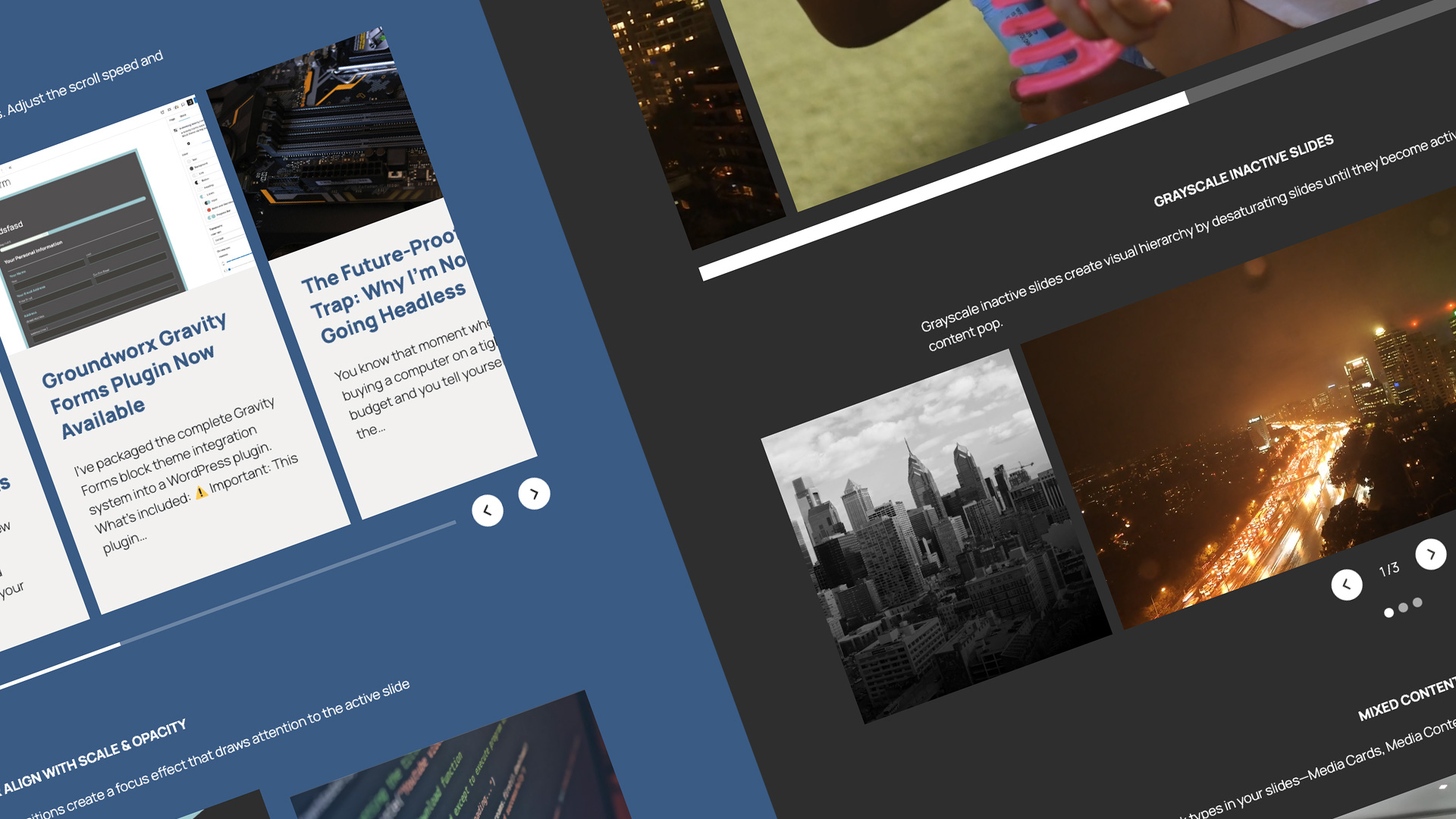
Why building carousels for clients is harder than it should be
Your client wants a carousel—great for mobile, where swiping feels natural. But here’s where it gets complicated: you need it to work differently on larger screens, meet accessibility standards, and let clients update content themselves without breaking anything.
Most carousel plugins make you choose: accessible but rigid, or flexible but you’re writing custom code to fix the gaps. And getting it to display as a grid on desktop while staying a carousel on mobile? Usually means maintaining two separate sections.
One content source, full control over presentation at every breakpoint
Showcase blocks give you that control. Mobile gets the carousel (swipe-friendly, keyboard navigable). Tablet? Desktop? You decide—keep the carousel, switch to grid, use flex layout. Your content, your choice at each screen size.
Powered by Embla—the same carousel library trusted by design systems everywhere.
Showcase respects your theme.json settings
Buttons inherit your brand colors and typography. Spacing follows your design system. No fighting with plugin-specific styling or CSS overrides—it works with WordPress theming, not against it.
And because it’s built with blocks, your clients can edit content without breaking the structure.
Full keyboard navigation support and ADA compliance built in.
Users can navigate slides, activate controls, and interact with content without a mouse. Proper ARIA labels, focus management, and semantic HTML throughout—the accessibility you need without the custom work.
Complete layout freedom, navigation arrows, pagination, progress bars—all separate blocks
That means total layout control. Place them anywhere under the main Flow block—wrap them in groups, nest them in containers, arrange them however your design needs.
Want pagination at the top instead of the bottom? Done. Arrows separated from the carousel? Easy. Different control arrangements per breakpoint? Use WordPress’s responsive controls.
You’re composing layouts the way WordPress intended, not fighting with rigid plugin settings.
Use any blocks you want—ACF, Gutenberg, custom, or third-party
Because Showcase blocks work with the WordPress block editor, you’re not limited to pre-built templates. Use ACF blocks for custom fields, core Gutenberg blocks for content, third-party blocks from your favorite plugins, your own custom blocks—anything that works in the block editor works inside Showcase blocks.
Build slides with the tools you already use. No proprietary markup, no special syntax, just blocks.
Template once, apply everywhere
Dynamic Flow blocks pull from WordPress Query Loop—your latest posts, products, custom post types, whatever. Design your slide template once, and every queried item inherits that layout automatically.
Change the template, every slide updates. Content updates itself when clients publish. No manual carousel management.
For agencies, this is the game-changer: create your carousel pattern once, save it as a reusable block pattern, use it across every client site.
Theme settings handle styling—buttons inherit brand colors and fonts from theme.json automatically. No per-site CSS. Your pattern works everywhere but looks like their brand.
Translation-ready with full RTL support—built for international projects
Translation-ready with .pot files—translate Showcase blocks into any language your clients need. Full RTL (right-to-left) language support built in for proper directional layout.
Why blocks matter for your business
Three things you get with the block approach:
Less billable hours, same professional results
Stop rebuilding carousels every project. Stop fixing accessibility issues with custom CSS. Stop maintaining mobile and desktop versions separately. Stop support tickets every time clients want to add a slide.
Build reusable systems your team deploys in minutes, clients manage independently, and you don’t maintain per site.